

Trend Lines
- 11 Jul 2023
- 1 Minute to read
- Print
- DarkLight
Trend Lines
- Updated on 11 Jul 2023
- 1 Minute to read
- Print
- DarkLight
Article summary
Did you find this summary helpful?
Thank you for your feedback!
1. To create a Trend Line, follow the instructions in Creating Insights to open the Insight window. Select the Trend Line icon from the top left of the screen.
2. Select a Metric to use in your visual. Drag and drop this Metric into the "Metrics" box.
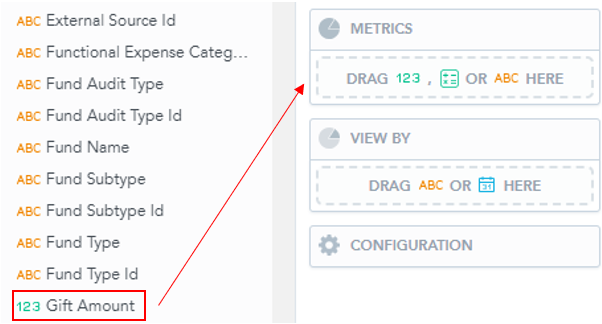
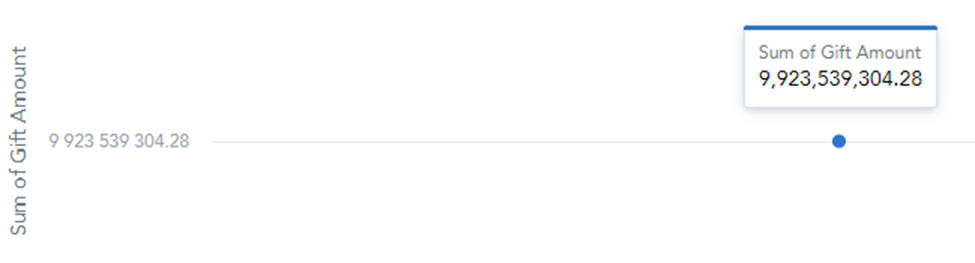
- Doing this will create the following visual:
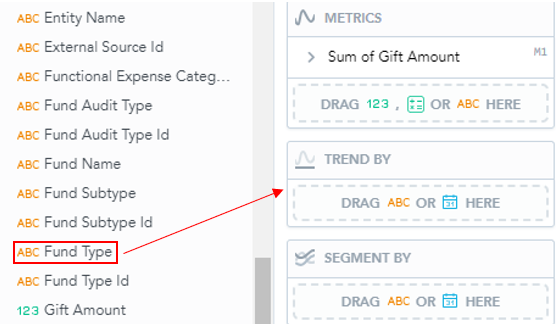
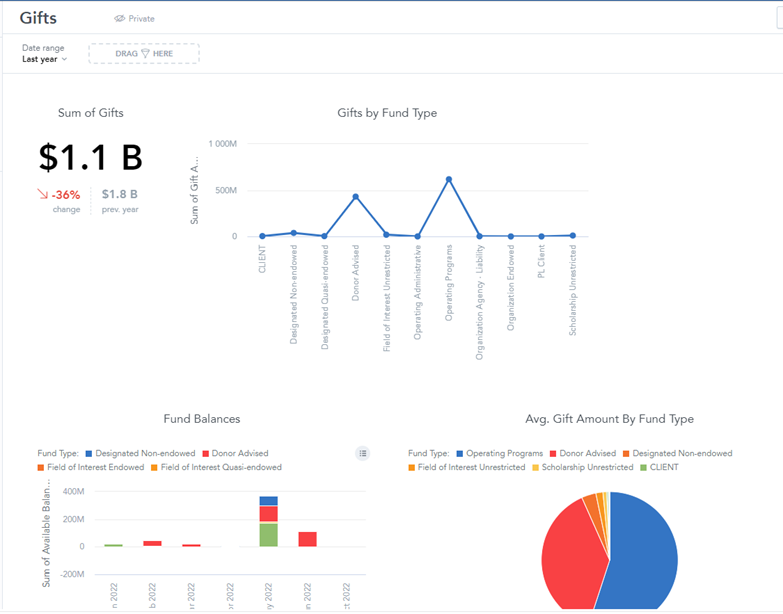
3. To create separate points, add a secondary variable. Select another variable from the dropdown and drag into the "Trend By" box.
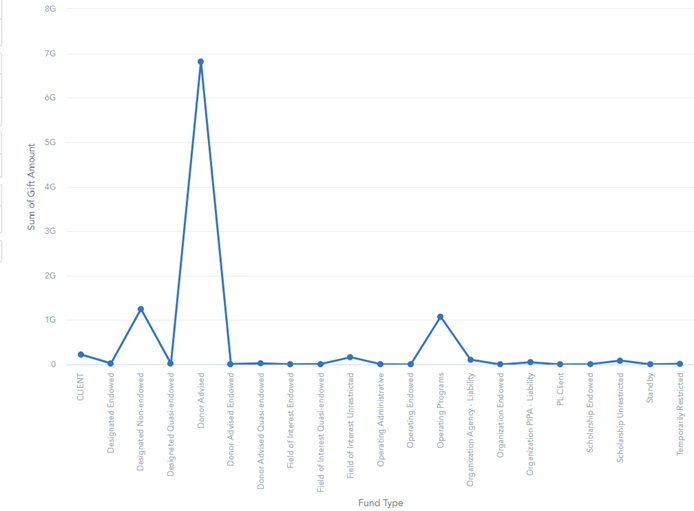
- This will cause our visual to appear as follows:
- When you are finished, click “Save” in the top left corner and the Insight should automatically appear in your Dashboard.
Was this article helpful?