The New Online Fund Application in DonorSphere allows donors to apply for a new fund/account directly through the portal.
Step 1: Access the Registration Page
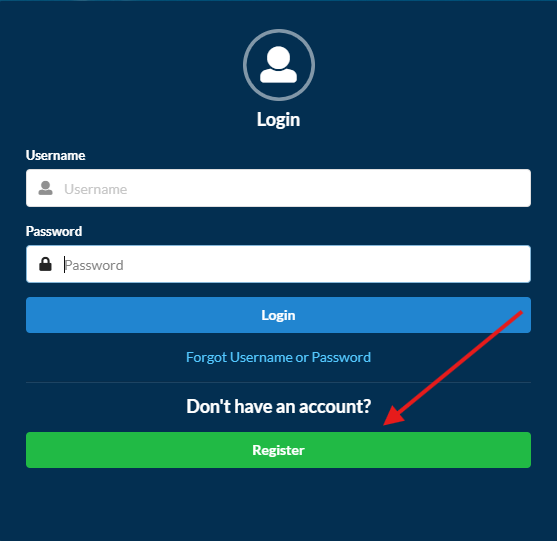
If you are a new user, click Register on the DonorSphere login page to create a portal account.
Step 2: Create Your Account
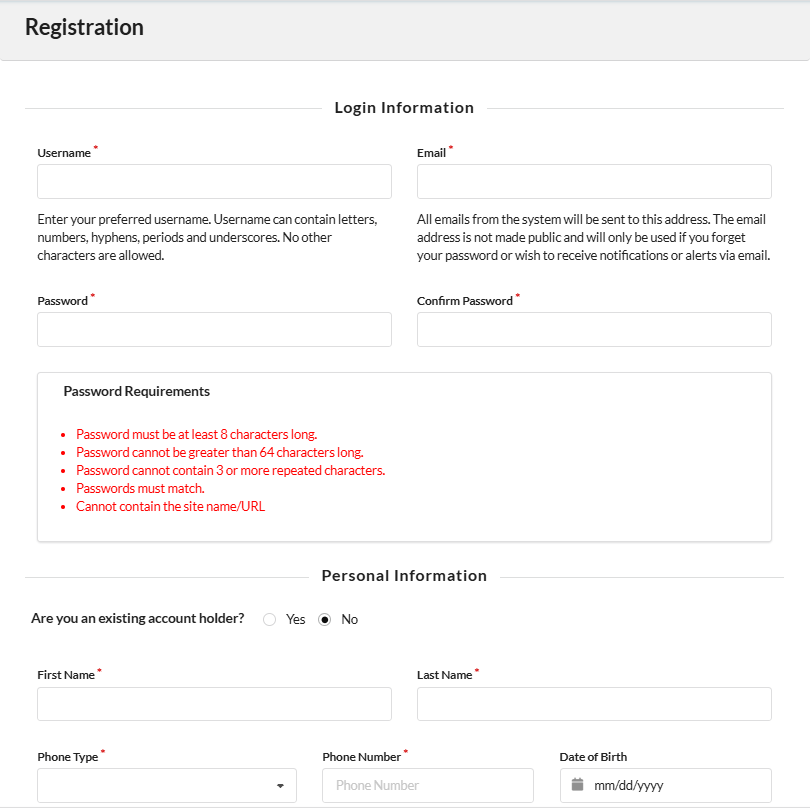
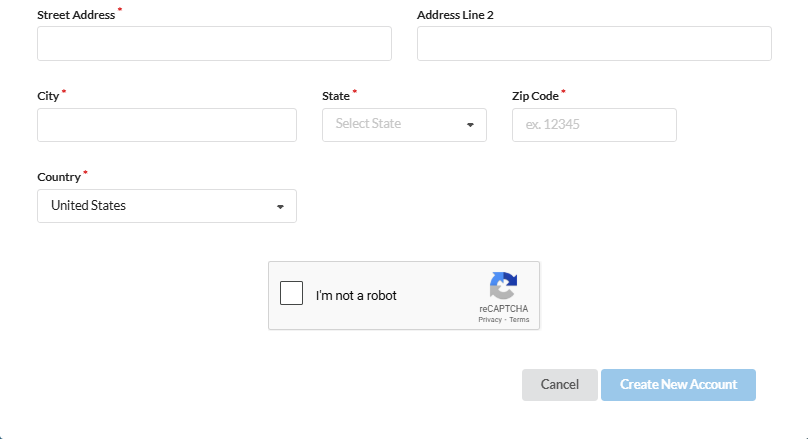
Complete all required fields on the registration form and submit the request.
The username and email address must be unique. If either is already in use, you will need to choose a different one.
If you have previously registered but cannot remember your credentials, use the account recovery options instead of creating a new account.
After registration:
Your portal account will be created.
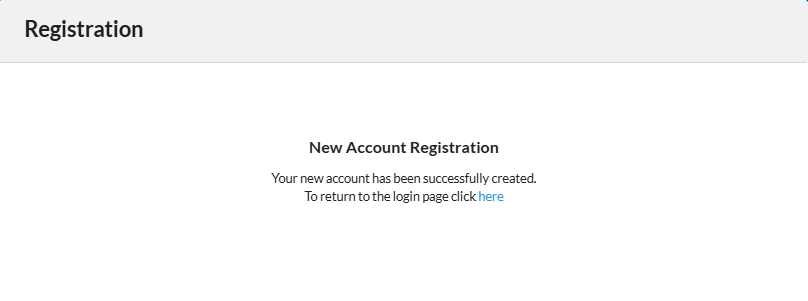
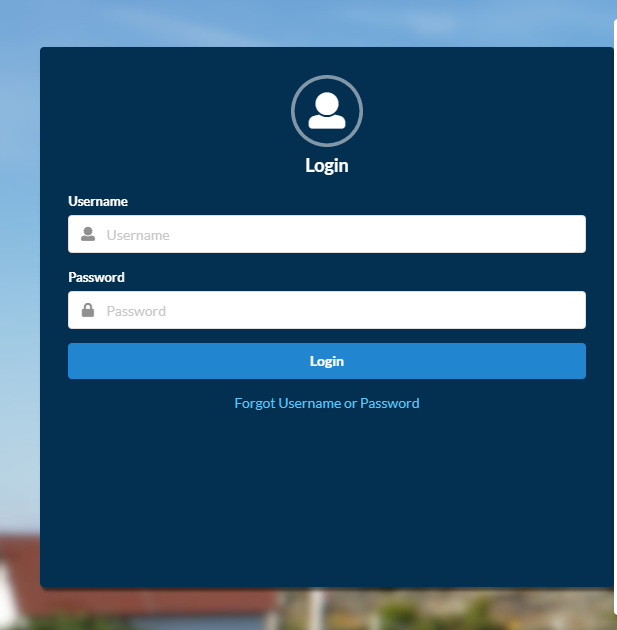
You can then log in using the username and password you created.
If security questions are required, you will be prompted to set them up after logging in.
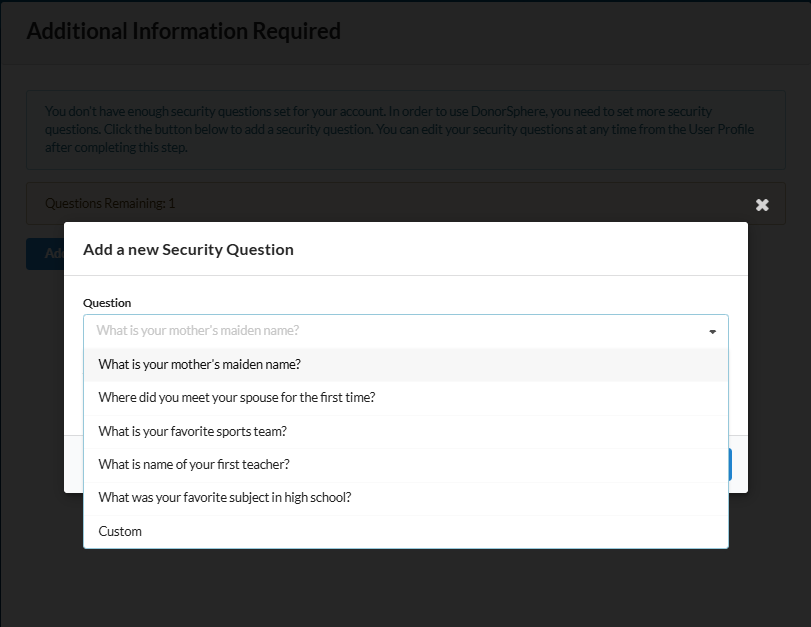
Step 3: Create a New Account Request
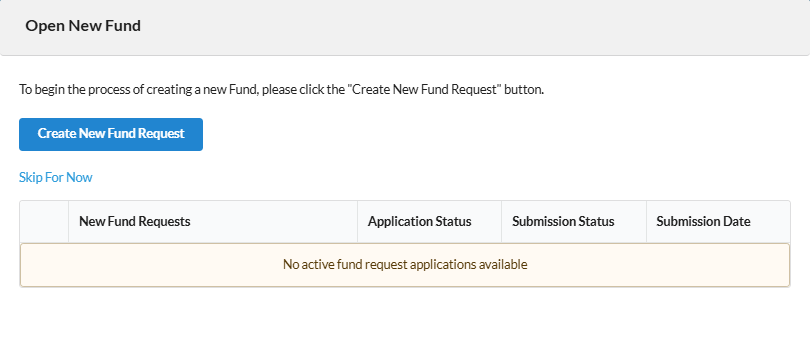
Once your security questions have been configured, you will be directed to the New Account Application screen.
Click Create New Account/Fund Request to launch the application wizard and begin the process of opening a new fund/account.
Step 4: New Fund Application
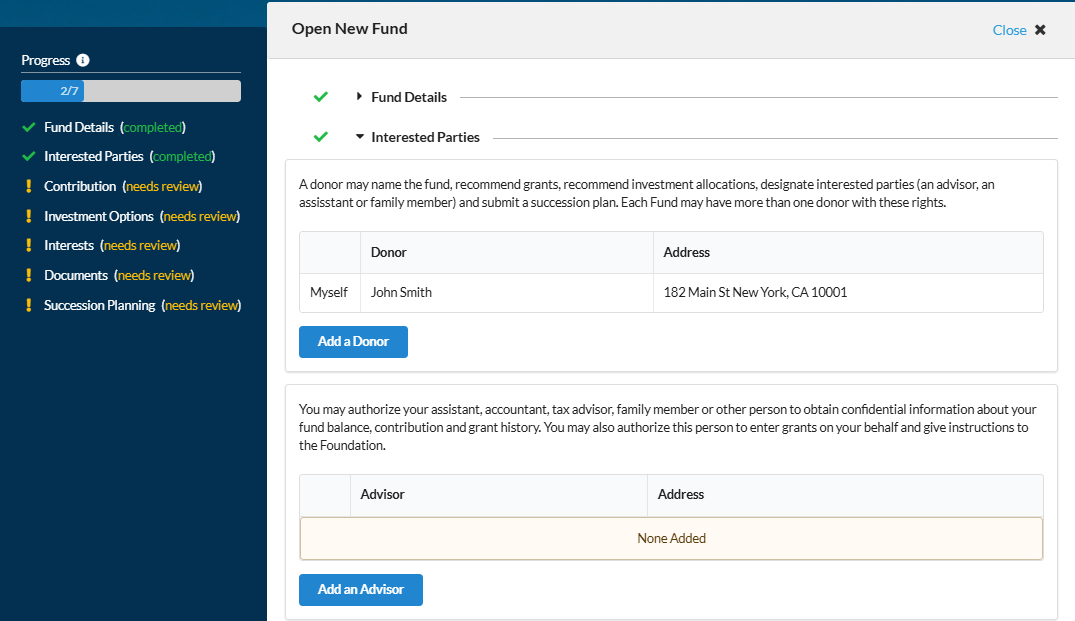
On the left-hand menu of the online application is a progress chart that allows the Donor to see which parts of the application have been completed and which of those remain.
The application can be saved at a section level allowing donors to complete the application at their convenience. The application is divided into the following sections which can be shown or hidden to the donor depending on your preferences
Fund Details.
Interested Parties.
Contributions / Assets set-up.
Investment Options selection (including the ability to add custom investment options).
Registering Interests.
Ability to upload relevant documents (pdf format).
Succession Planning documentation.
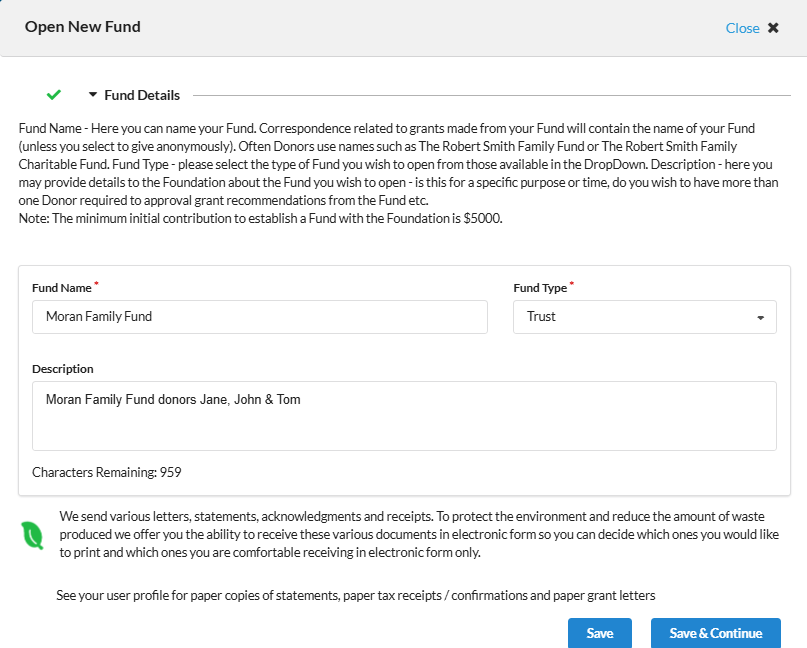
Fund Details
The Fund Details section allows the donor to suggest a name for the Fund, select the Fund Type from the available dropdown and provide some further information about the proposed DAF. Please note that the description under Fund Details is customizable and can be edited in the New Fund Templates (See Below).
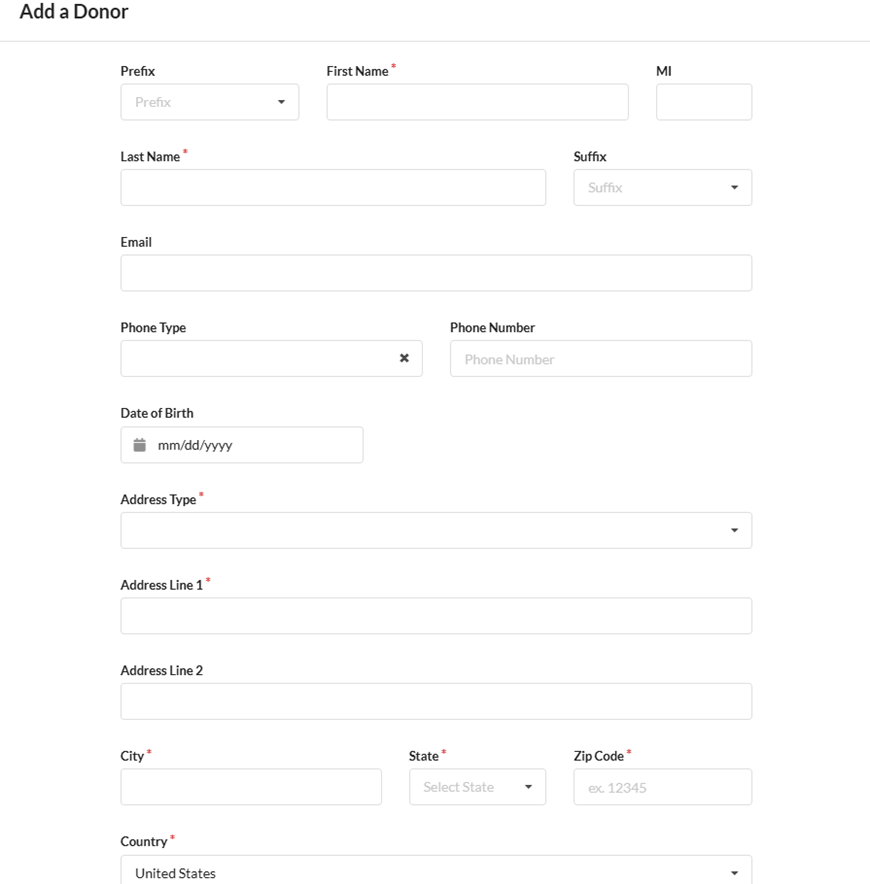
Interested Parties
Donors can add interested parties in the form of donors and advisors.
Please note the names of Interested Parties are customizable and can be edited in the New Fund Templates & you can choose to add a few words to explain to the Applicant what the role of that Interested Party is (See Below)
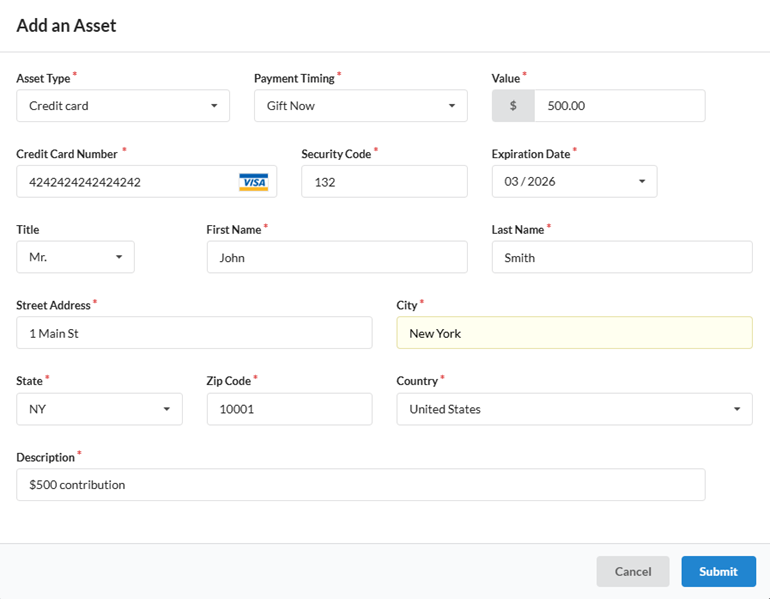
Contributions
Donors can opt to contribute to their DAF now by selecting the gift / contribute now payment selection or they can gift / contribute later and instead simply provide a description of the contribution they wish to make later. Note: A suspense account needs to be in place to enable the gift / contribute now option.
Please note the description for Contributions (not shown below) is customizable and can be edited in the New Fund Templates (See Below)
Gift / Contribute Now
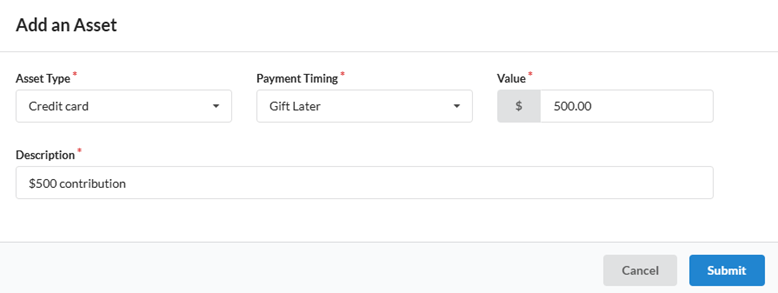
Gifting Later
The option to record a payment through Gifting / Contribution later exists allowing Donors to select an asset type, add a value and a description of the asset they wish to contribute.
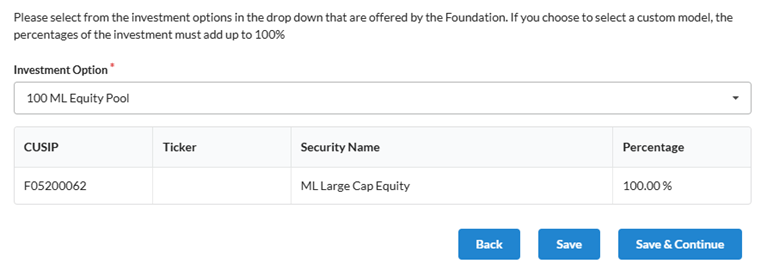
Investment Options
Investment options that are offered by you will be available for donors to select from. Should you choose, donors can also select a custom investment model in which varying percentages of investment options can be added to equate to a 100% total.
Please note that the description for Investment Options as shown in the screenshot below is customizable and can be edited in the New Fund Templates (See Below).
Interests
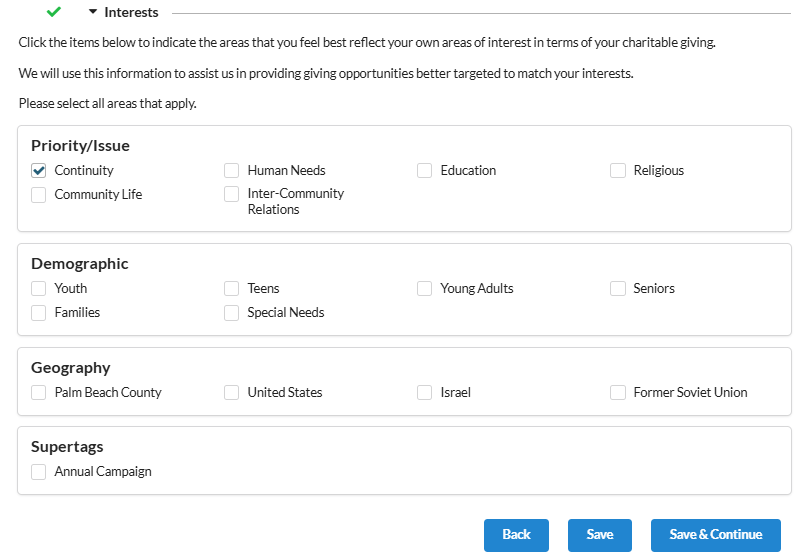
Donors can select their charitable interests in the Interests section.
The explanation relating to choosing a Donors Interests is customizable and can be edited in the New Fund Templates (See Below) or this section can be hidden in its entirety, depending on your preference.
Documents
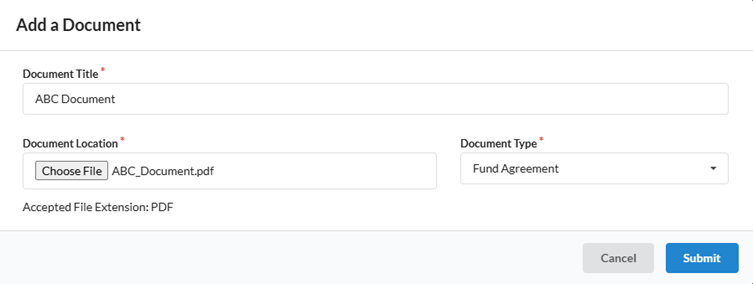
There is the ability for a Donor to add certain pdf documents. The document types will match those document types already defined.
Succession Planning
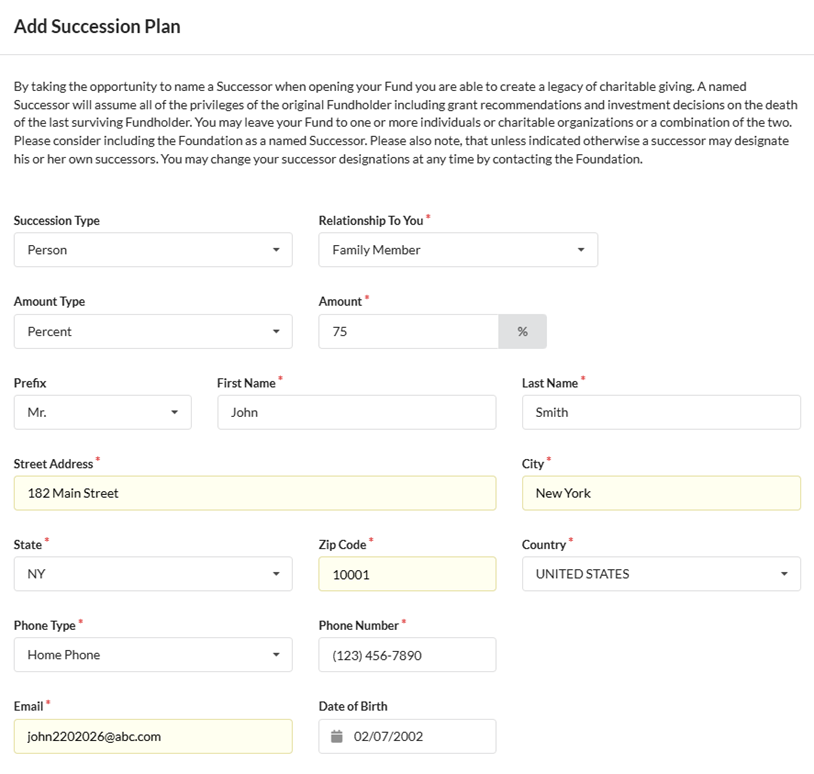
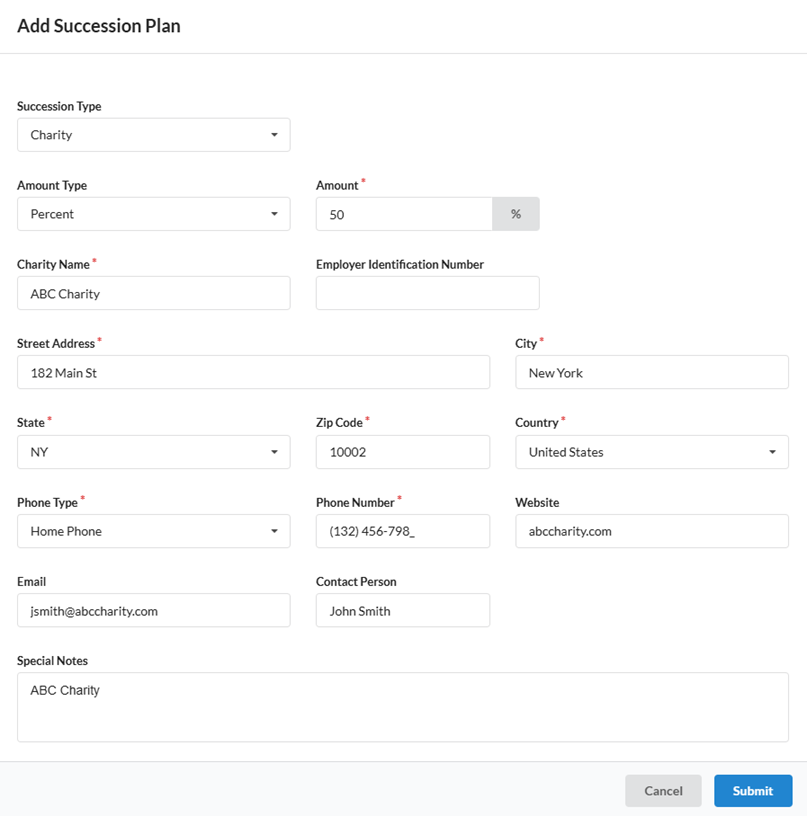
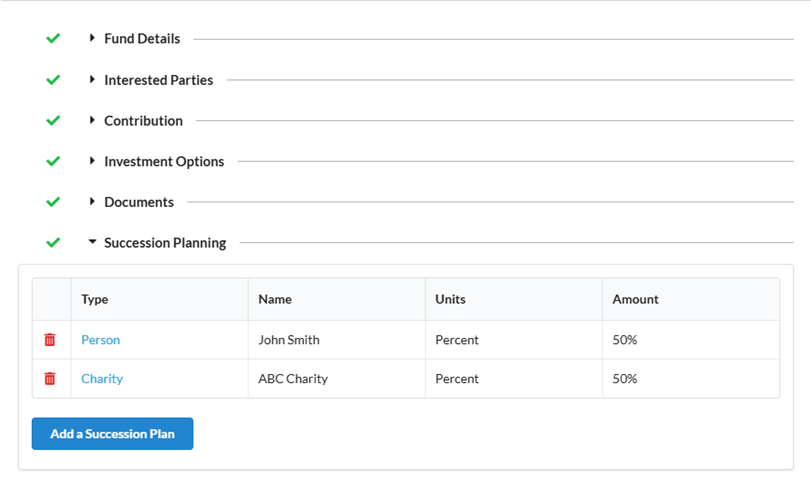
Succession plans can be documented by a donor within the succession planning section of the account application. Donors can choose a person, an existing DAF or donor or charity as successors, or a combination thereof. This is the perfect opportunity to promote your Foundation as a Successor.
Please note that the description for Succession Planning shown in the screenshot below is customizable and can be edited in the New Fund Templates (See Below).
Person
Charity
Terms and Conditions
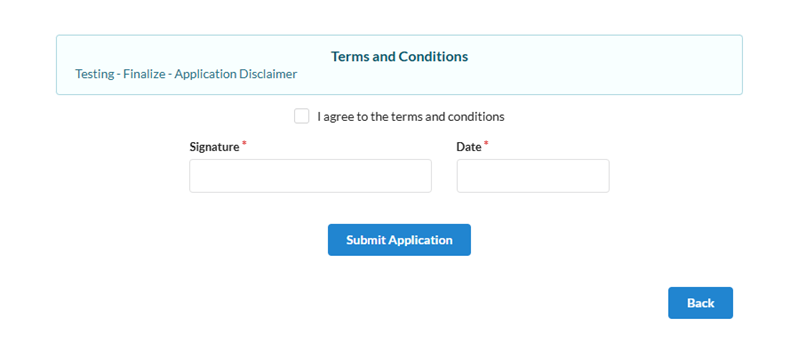
The terms and conditions display on the finalize page of the application. Terms and conditions are fully customizable. A digitally signed pdf file is saved upon finalization of the application and is available within FoundationHub upon request, once the application has been completed.
Upon completion of the application, approvers will see the application display in their inbox under the Funds section for approval. For more information, see here.