

Searching for a Grantee
- 11 Jul 2025
- 1 Minute to read
- Print
- DarkLight
Searching for a Grantee
- Updated on 11 Jul 2025
- 1 Minute to read
- Print
- DarkLight
Article summary
Did you find this summary helpful?
Thank you for your feedback!
You can search for a Grantee’s profile in FoundationHub using the steps below:
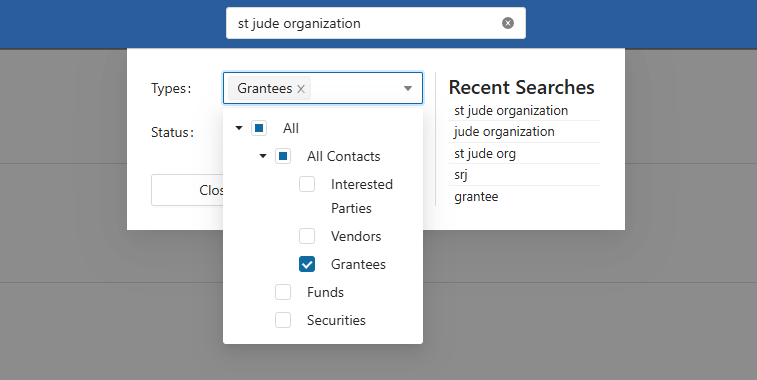
Using the Search Bar, enter the Grantee’s Name or Customer Id Code.
Next, select “Grantee” as the contact type and press Enter or click the “Search” button. The system will then display all the matching Grantees.
Assuming you have the necessary permissions to edit or access the Grantee, click on their name link (highlighted below) to open their profile.

Was this article helpful?