

Old - Ad-Hoc Statement
- 22 Aug 2025
- 1 Minute to read
- Print
- DarkLight
Old - Ad-Hoc Statement
- Updated on 22 Aug 2025
- 1 Minute to read
- Print
- DarkLight
Article summary
Did you find this summary helpful?
Thank you for your feedback!
Ad-Hoc Statement
To generate ad-hoc statements you need to follow these steps:
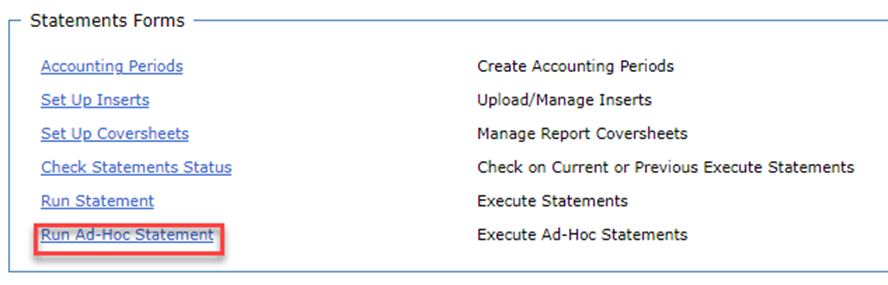
Go to Utilities in the menu and click on Statements.
Select Run Ad-Hoc Statements:
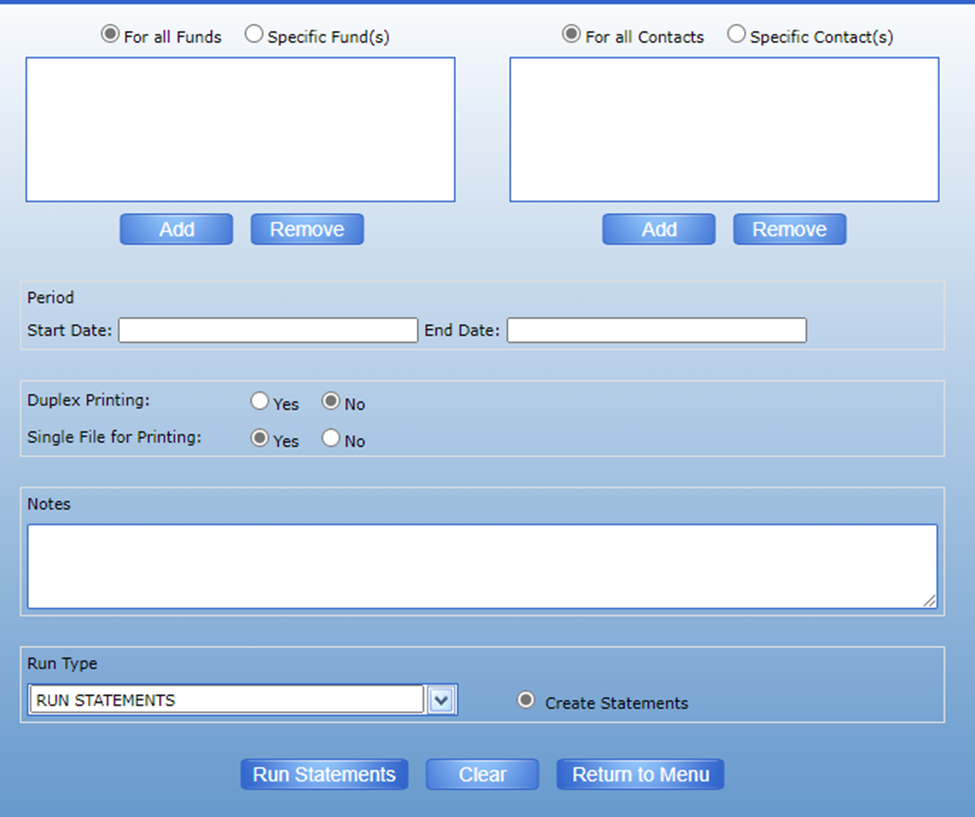
3. This will open the Run Ad-Hoc statement screen which contains similar options to the Run Statements screen. The only differences are that you will need to manually enter the ad-hoc Period and ad-hoc statements cannot be posted to DonorSphere or the IP profile:

Was this article helpful?