

Manage CSS (Cascading Style Sheets)
- 28 Mar 2024
- 1 Minute to read
- Print
- DarkLight
Manage CSS (Cascading Style Sheets)
- Updated on 28 Mar 2024
- 1 Minute to read
- Print
- DarkLight
Article summary
Did you find this summary helpful?
Thank you for your feedback!
Manage CSS (Cascading Style Sheets)
This section allows you to manage all of the Cascading Style Sheets (css) within DonorSphere. Cascading Style Sheets allow a web designer to create a very specific look and feel for a website by modifying text font, color, spacing, borders, backgrounds etc. FidTech does not recommend using this functionality unless you are a competent web designer / developer.
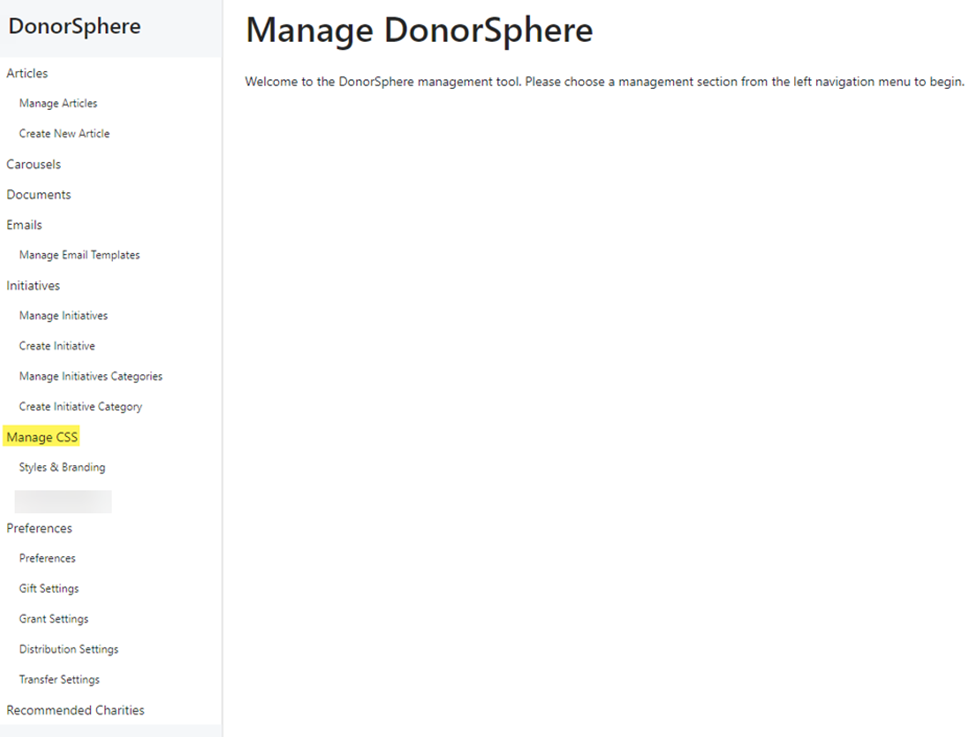
Manage CSS allows you to customize style & branding and advanced styling.
You can find Manage CSS, as well as all DonorSphere settings in FoundationHub under “Utilities & Administration -> Donorsphere 2”
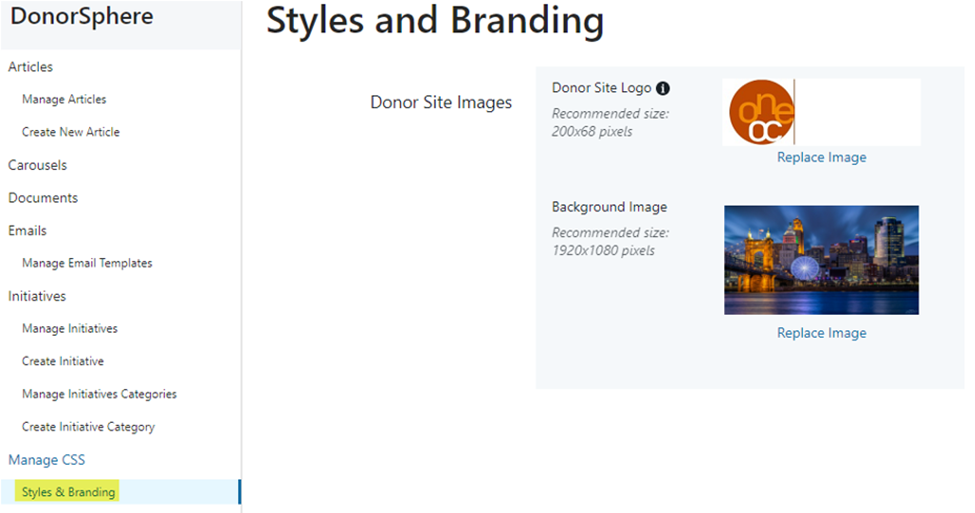
Under “Styles & Branding” you have the option to upload your Donor Site Logo and Background Image.
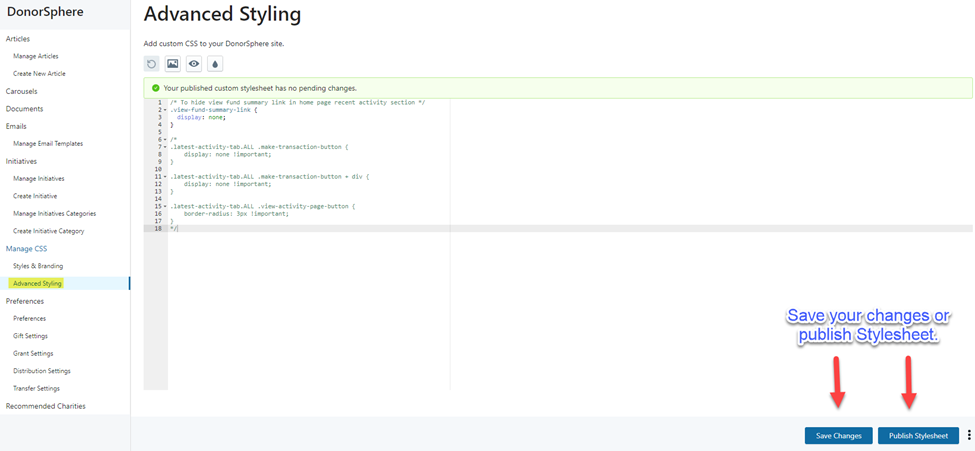
Under Advanced Styling, you have the option to add custom CSS to your DonorSphere site. Remember to save your changes or publish stylesheet when you are done.[CP3]
Was this article helpful?