There are multiple configuration settings which can be altered or edited in FoundationHub to fit the client’s needs.
Based on your permissions, these configuration settings available for you might differ. In that case, please contact your Client Service Representative.
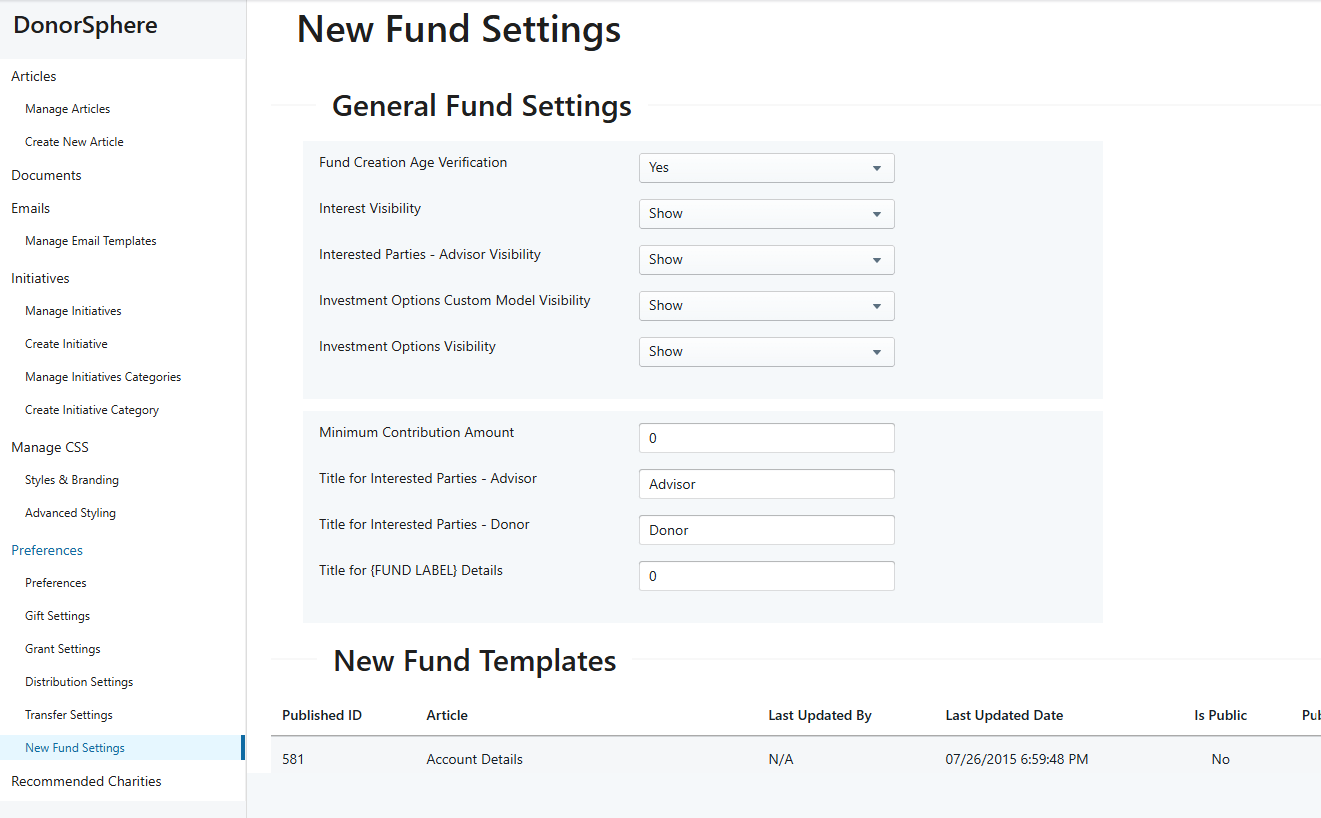
DonorSphere New Fund Settings preferences
These settings control labels and visibility within the application and can be edited to preferred terms or labels.
Steps
Navigate to:
Utilities & Administration → DonorSphere → Preferences → New Fund Settings
Configure the following:
Interest Visibility – Set to Show
Title for Interested Parties Advisor – Set preferred label
Title for Interested Parties Donor – Set preferred label
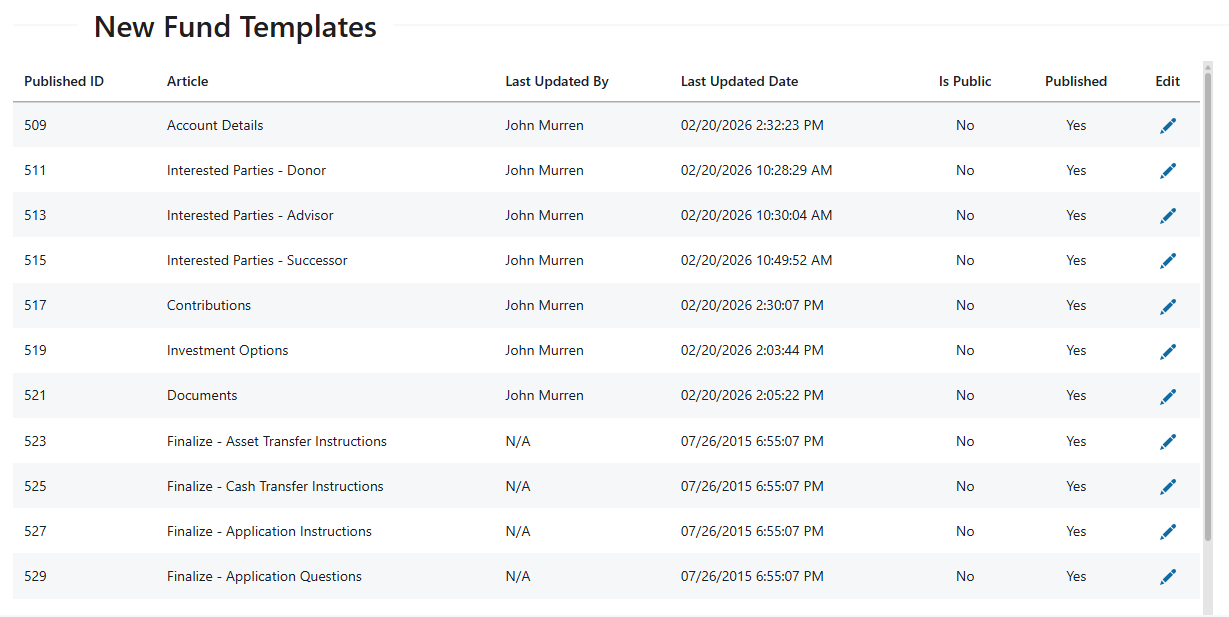
New Fund Templates
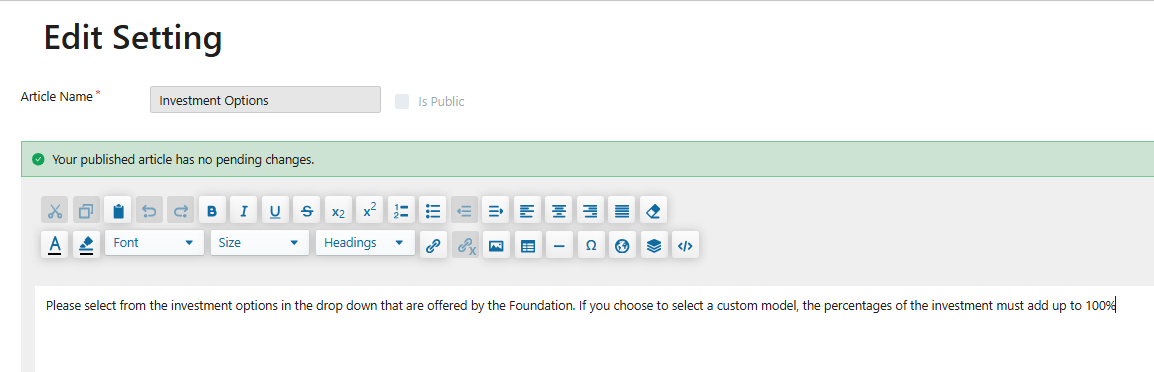
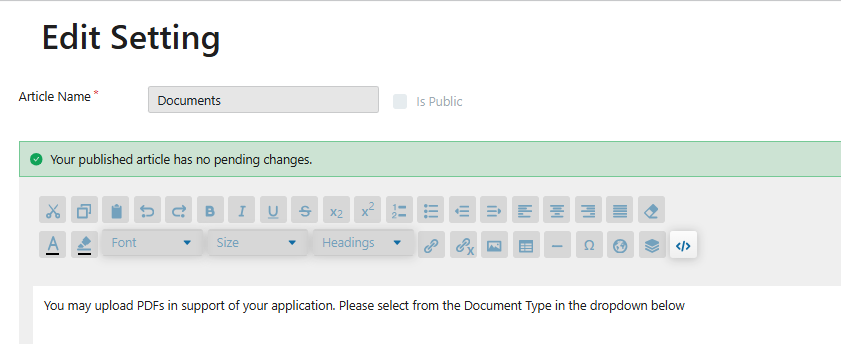
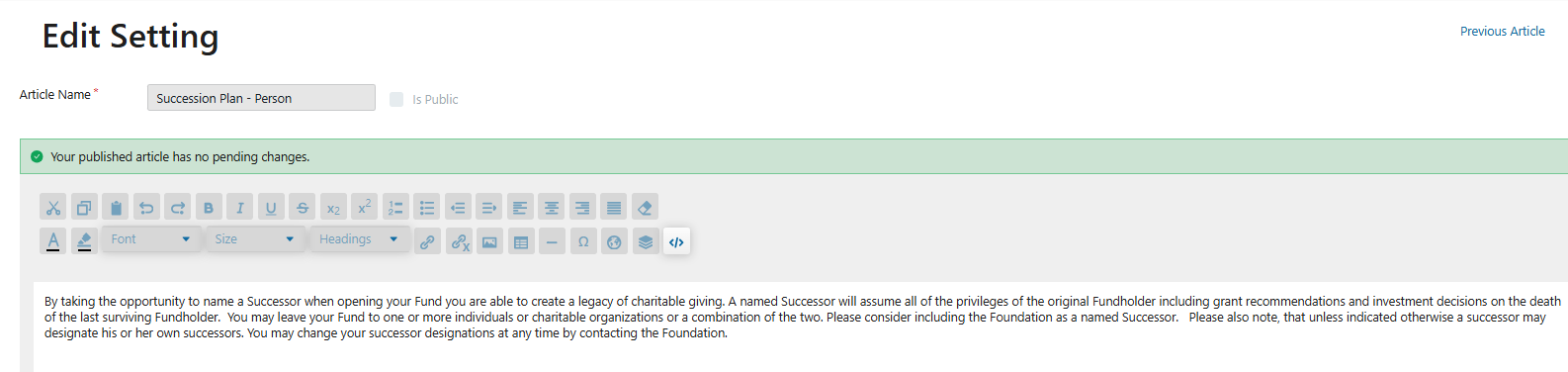
The templates to add informative text to the sections of the New Account application are controlled under the New Fund Templates.
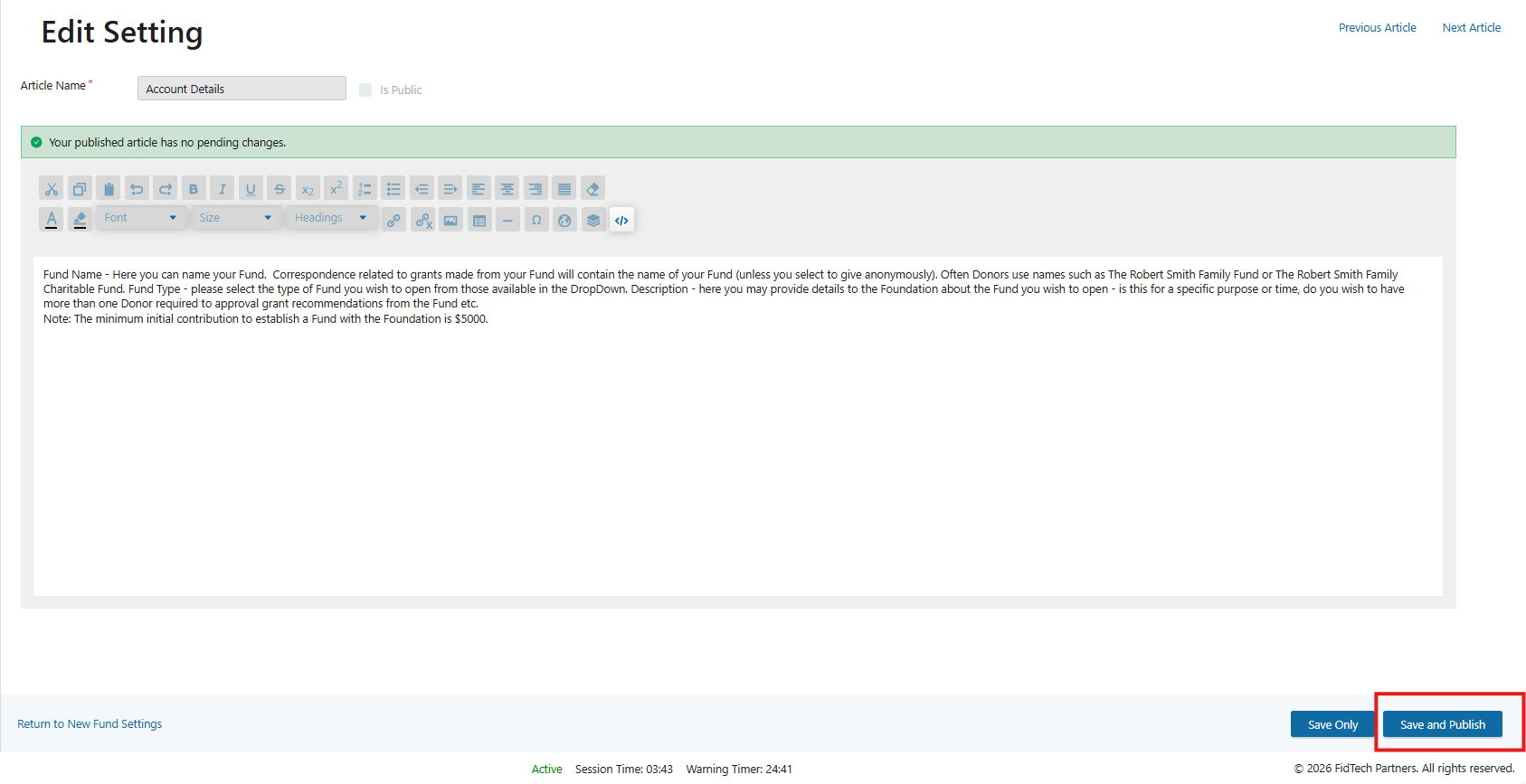
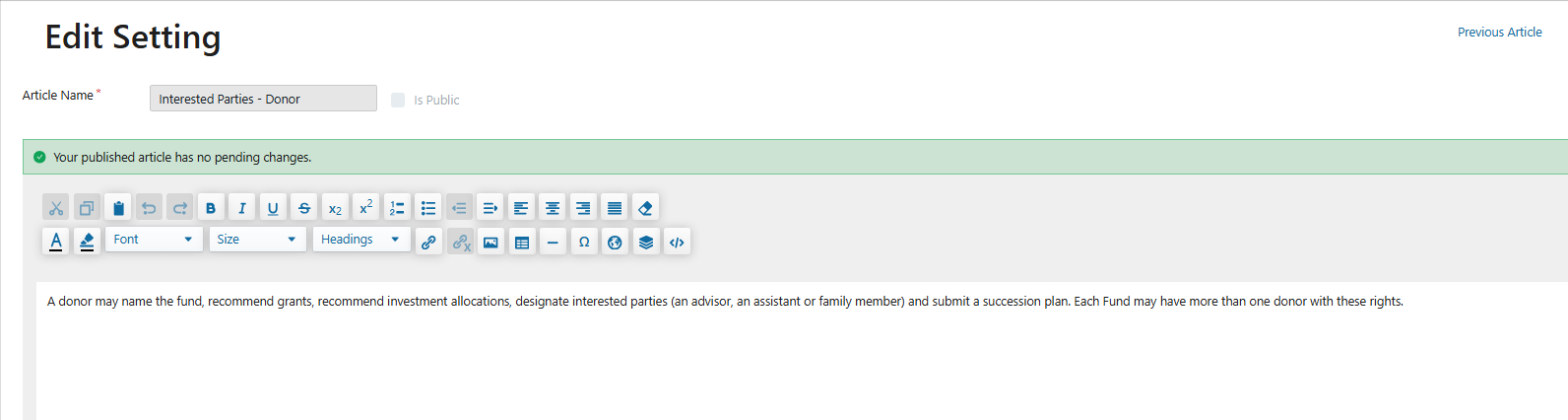
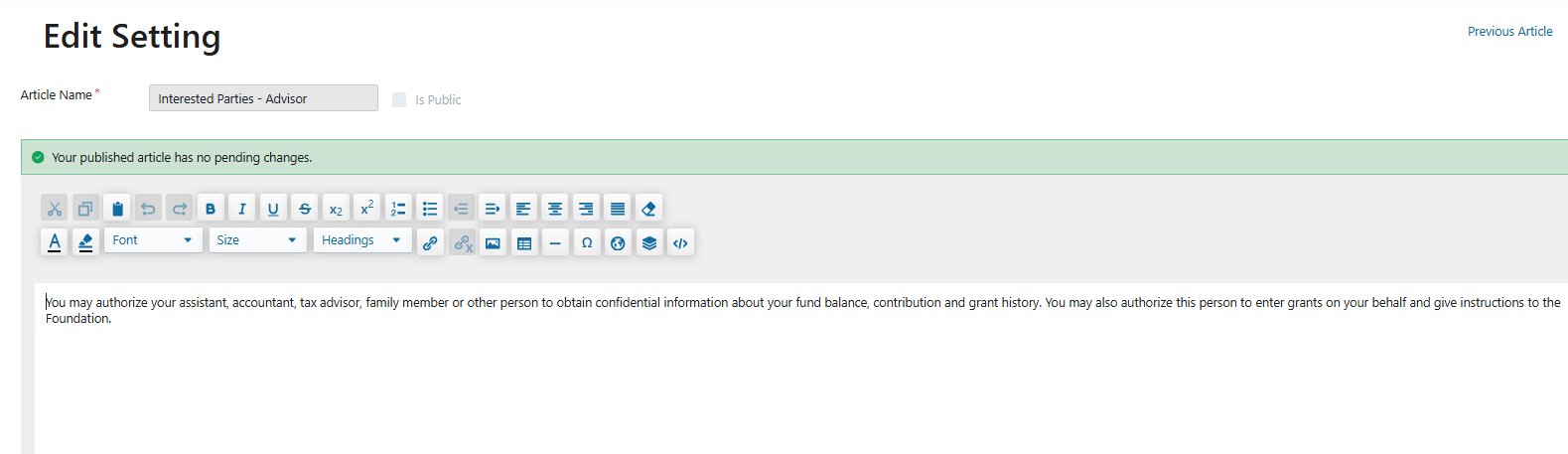
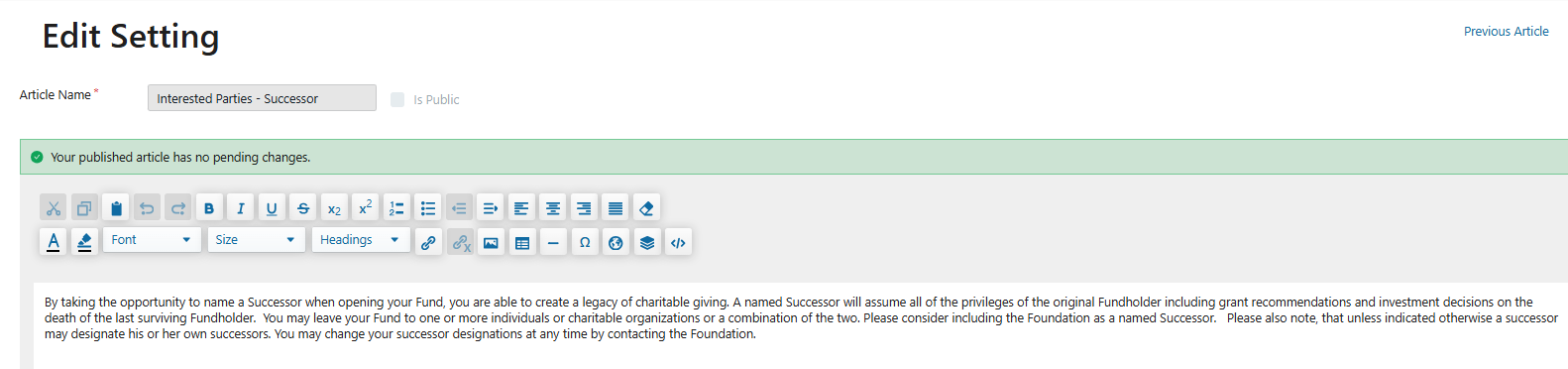
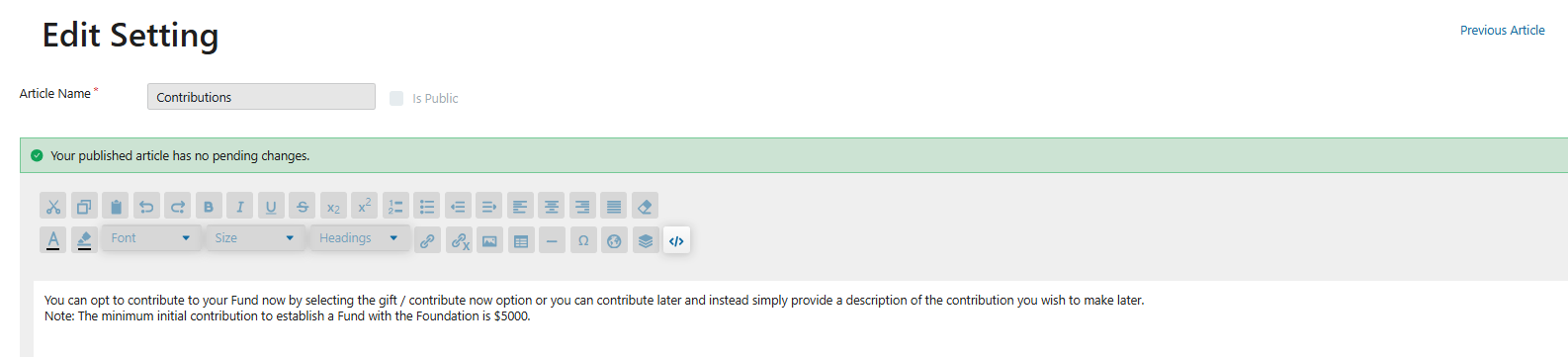
Example Verbiage for New Fund Templates
The templates can be edited to include relevant verbiage. Once the information is added it can either be saved or saved and published. Once saved and published, it will display on DonorSphere.
Fund Details
Interested Parties - Donor
Interested Parties - Advisor
Interested Parties - Successor
Contributions
Investment Options
Documents
Succession Plan
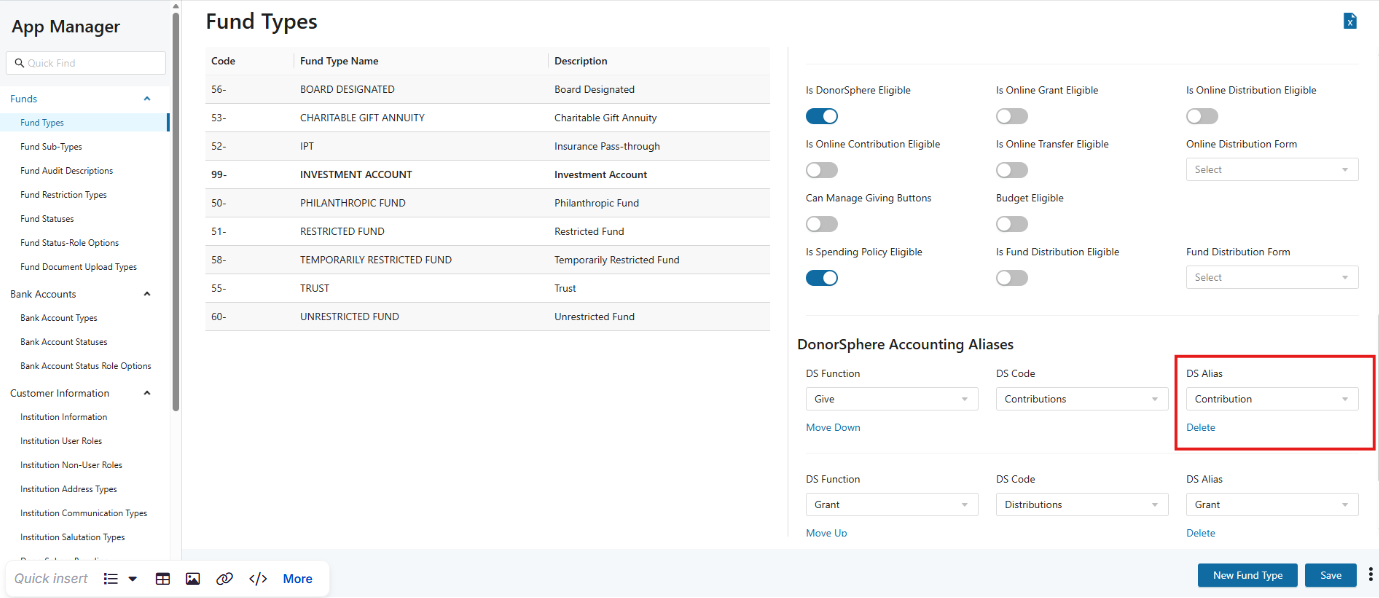
DonorSphere Accounting Aliases
DonorSphere accounting aliases can be updated to reflect the preferred aliases. Please reach out to the client services team to update these.
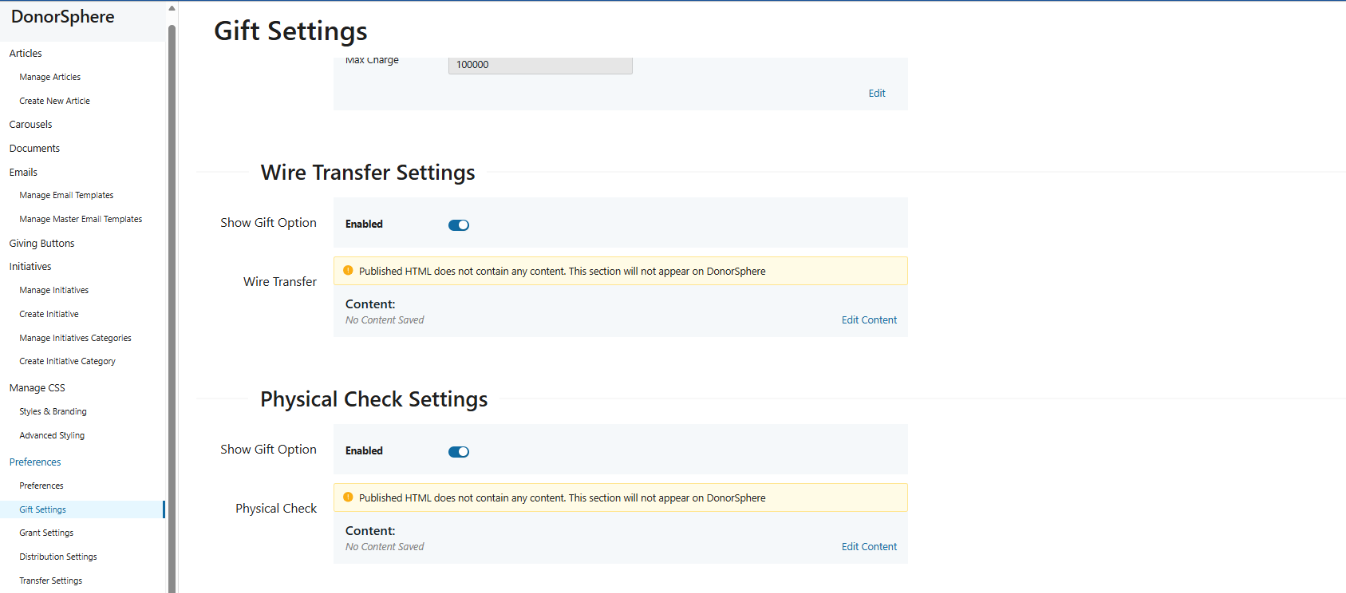
Asset types available in the application are controlled by gift settings. The following can be enabled and edited to display relevant content;
Wire Transfer Settings
Physical Check Settings
Complex Gift Settings
Stock and Mutual Funds Settings
Steps
Navigate to Utils & Admin → DonorSphere → Preferences → Gift Settings
The asset type instructions are set by the content section below the show toggle for each section
Contribution Credit Card Payments
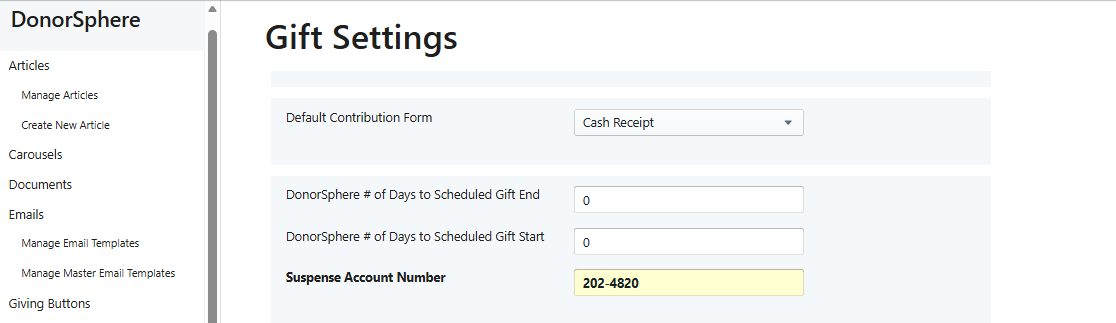
To enable the Gift Now option on the New Account form (when adding an asset for making a credit card payment), there must be a valid Suspense Account configured
To configure a suspense account
Go to Utilities & Admin → DonorSphere → Preferences → Gift Settings
Fill in the Suspense Account Number field
Interests
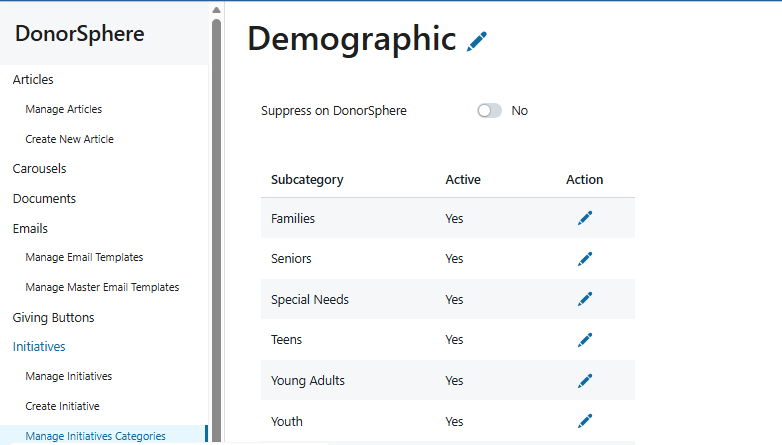
The Interests categories on the New Fund Application can be controlled in FoundationHub in relation to displaying the section and populating the Interest categories. The Interests section can be enabled or disabled on the New Fund Application by toggling ‘Suppress on DonorSphere’ Yes or No.
Categories can be added in the section Create Initiative Category.
Steps
Navigate to
Utils & Admin → DonorSphere → Initiatives → Manage Initiatives Categories
Investment Options - Custom Asset Model
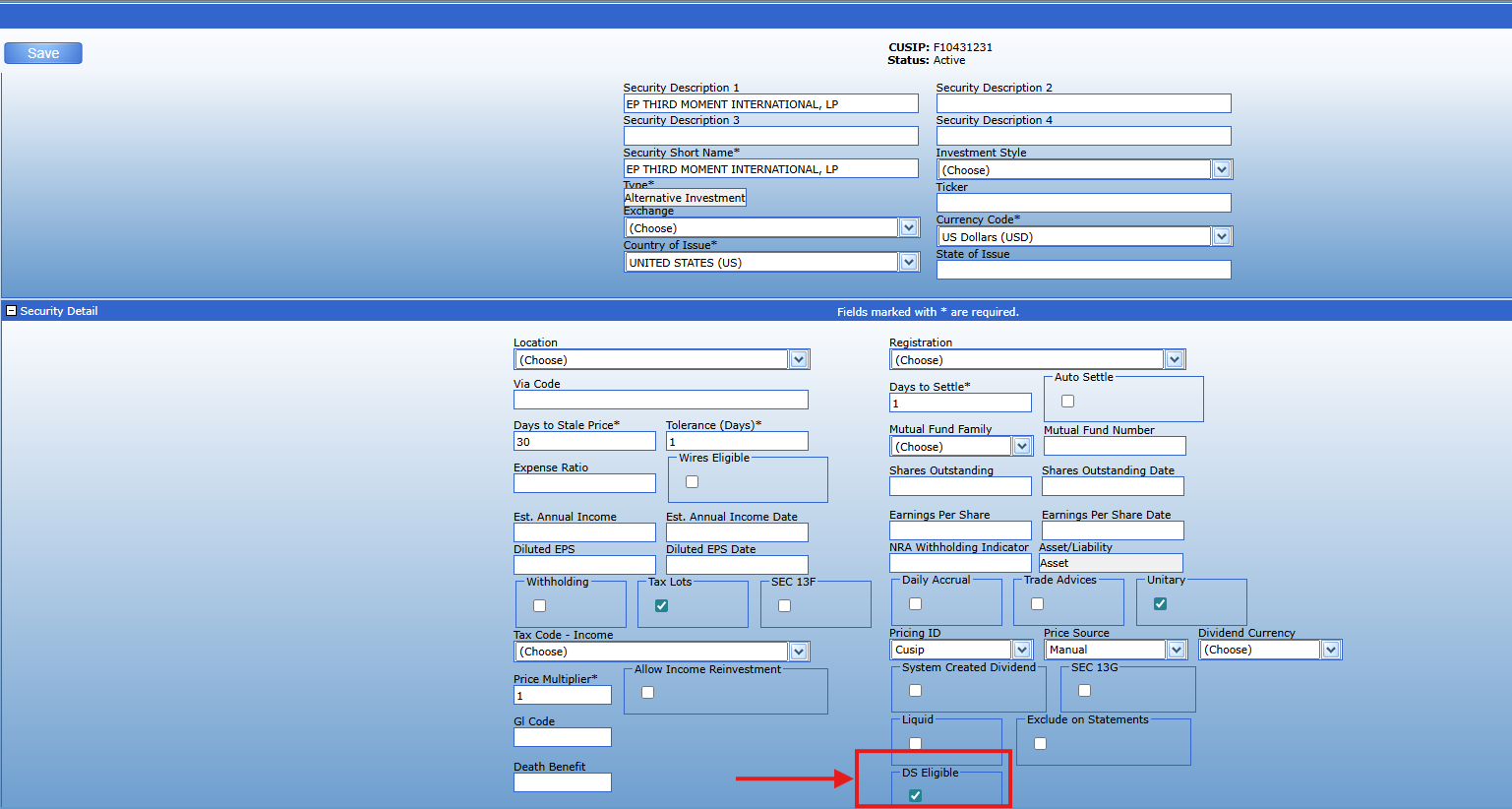
The DS Eligible checkbox on a security control if this displays in the Investment Options section.
App Manager
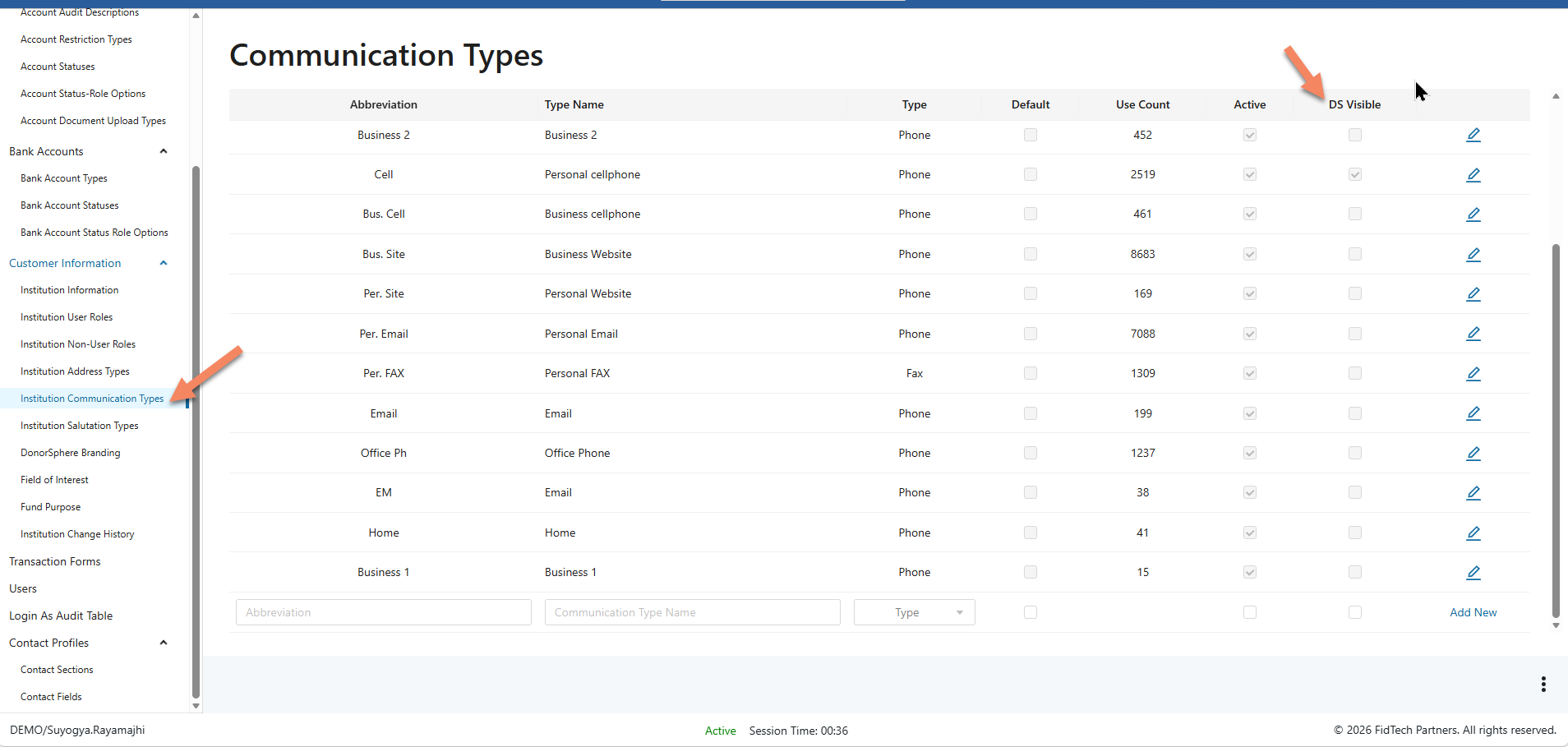
Communication Type
Phone Types on the registration ‘Personal Information’ section of the registration are controlled in App Manager > Institution Communication Types.