

Recent Activity Box
- 18 Jul 2023
- 1 Minute to read
- Print
- DarkLight
Recent Activity Box
- Updated on 18 Jul 2023
- 1 Minute to read
- Print
- DarkLight
Article summary
Did you find this summary helpful?
Thank you for your feedback!
Recent Activity Box
You can customize DonorSphere is through the “Recent Activity Box” preference. This preference toggles whether the “Latest Activity” section is shown on the Home Page of your site. This section contains four different tabs, “All Activity,” “Contributions,” “Grants,” and “Transfers,” showing the most recent of that specific type of activity.
.png "image(62).png")
Show:
When “Show” is selected, Donors will be provided with the Latest Activity of the Foundation along with two quick links at the bottom, “Make a Contribution” and “View All Contributions” (as you toggle between the four tabs, these quick links will change accordingly). These links take Donors directly to the respective donation or activity page when clicked.
.png "image(63).png")
Hide:
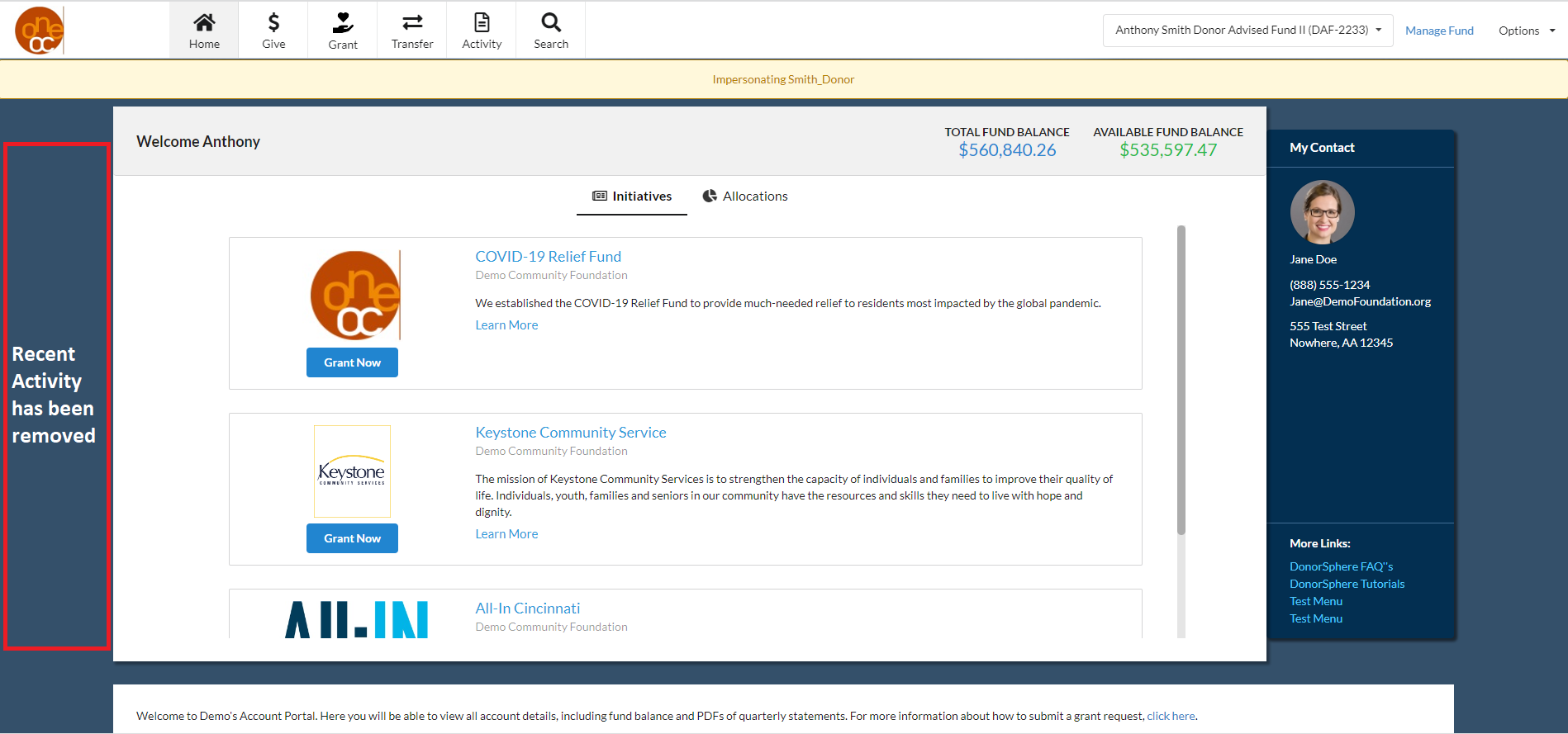
When “Hide” is selected, Latest Activity will be removed from the page completely and Donors will see the Welcome section.
Was this article helpful?