

My Contacts Box
- 18 Jul 2023
- 1 Minute to read
- Print
- DarkLight
My Contacts Box
- Updated on 18 Jul 2023
- 1 Minute to read
- Print
- DarkLight
Article summary
Did you find this summary helpful?
Thank you for your feedback!
My Contacts Box
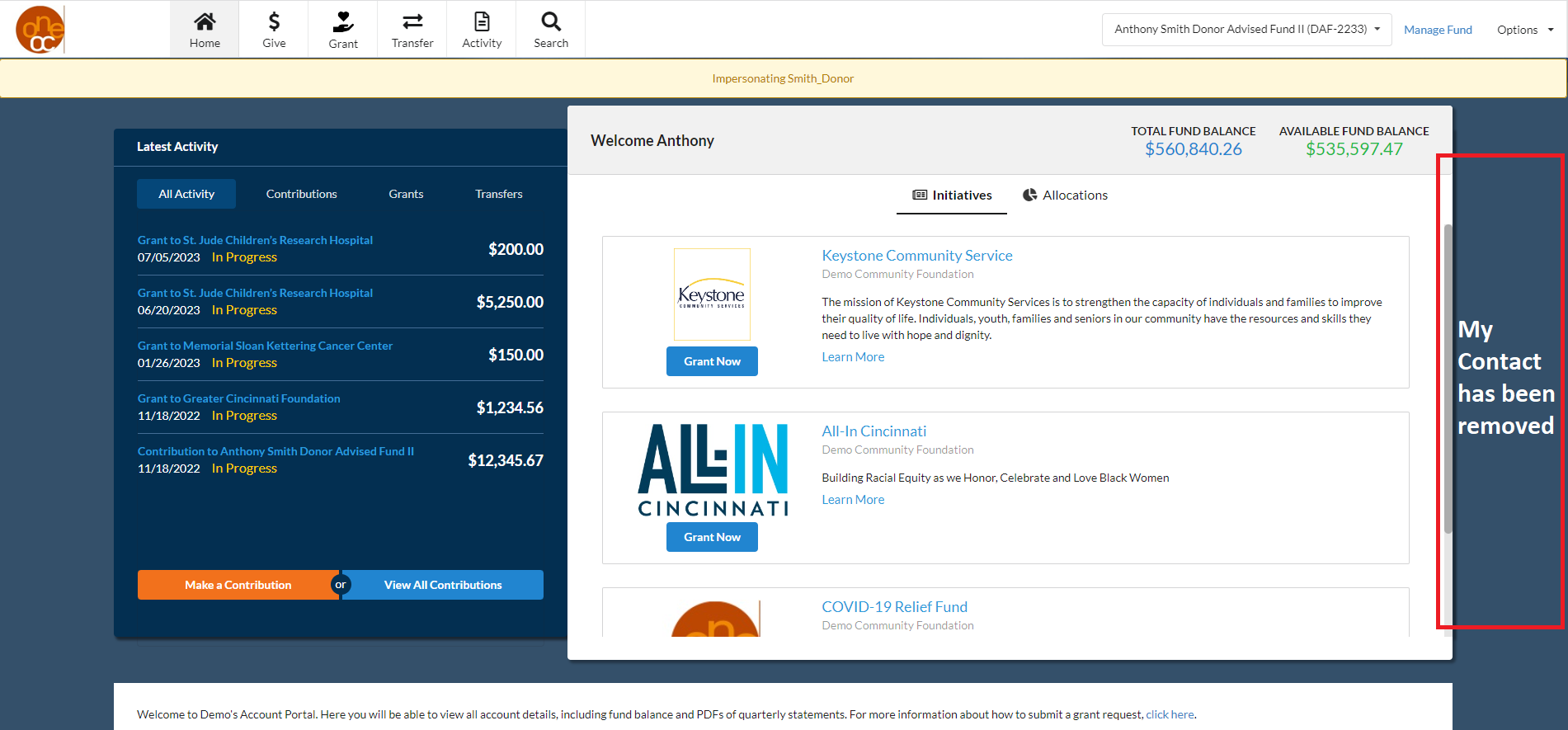
On the right side of the Home Page, there is space for “My Contacts.” This designated area will show information about the primary contact at a Foundation. It also shows the “More Links” section at the bottom. The “My Contacts Box” preference allows these two sections to be shown or hidden.
.png "image(56).png")
Show:
When “Show” is selected, Donors will be provided with the contact information for their primary contact at a Foundation along with the More Links section below the My Contact section.
.png "image(57).png")
Hide:
When “Hide” is selected, the My Contact and the More Links sections will be removed from the page completely.
Was this article helpful?