

Editing a Security
- 26 Jun 2023
- 1 Minute to read
- Print
- DarkLight
Editing a Security
- Updated on 26 Jun 2023
- 1 Minute to read
- Print
- DarkLight
Article summary
Did you find this summary helpful?
Thank you for your feedback!
Editing a Security
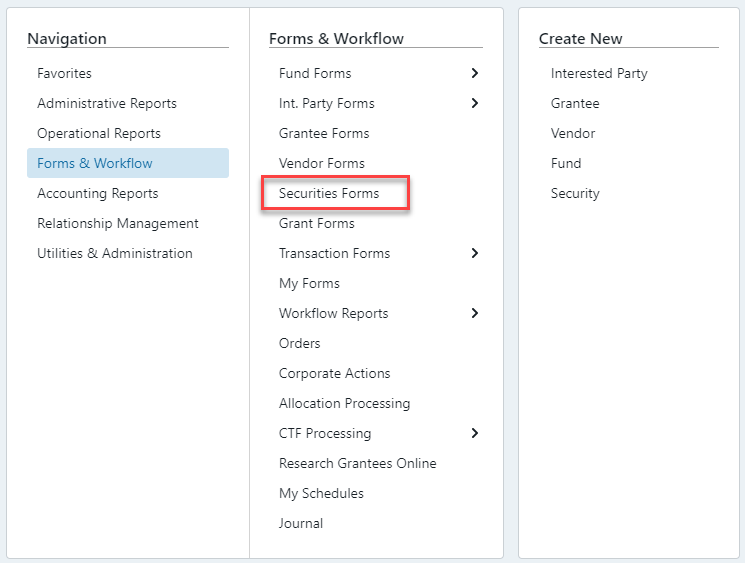
To edit an existing security, go to Forms & Workflow > Securities Forms and follow these steps:
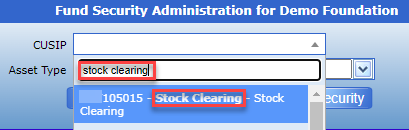
1. Search for the CUSIP that needs to be edited. As you begin to type, a list of matching CUSIPs will begin to appear to choose from.
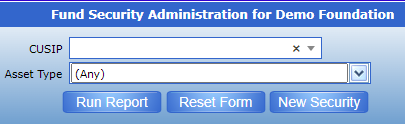
2. Once the CUSIP is chosen, select  If you are unsure of the exact CUSIP this report can be run on the entire population of existing CUSIPs.
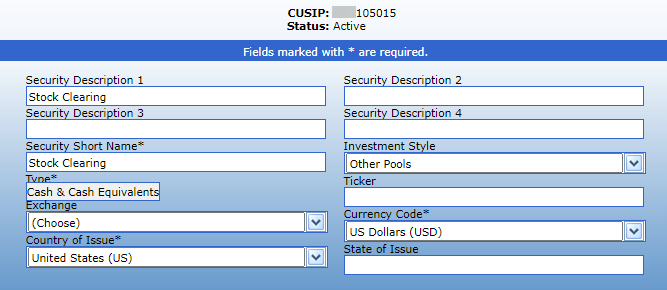
3. The CUSIP is now a Blue Hyperlink – if selected, the Security’s detail screen will open.

4. Edit any fields that need to be updated on any of the drop-down screens and click which will move the CUSIP into Pending Approval and will forward the changes to the Inbox of the relevant User(s) for final approval.
Was this article helpful?