Search Preferences
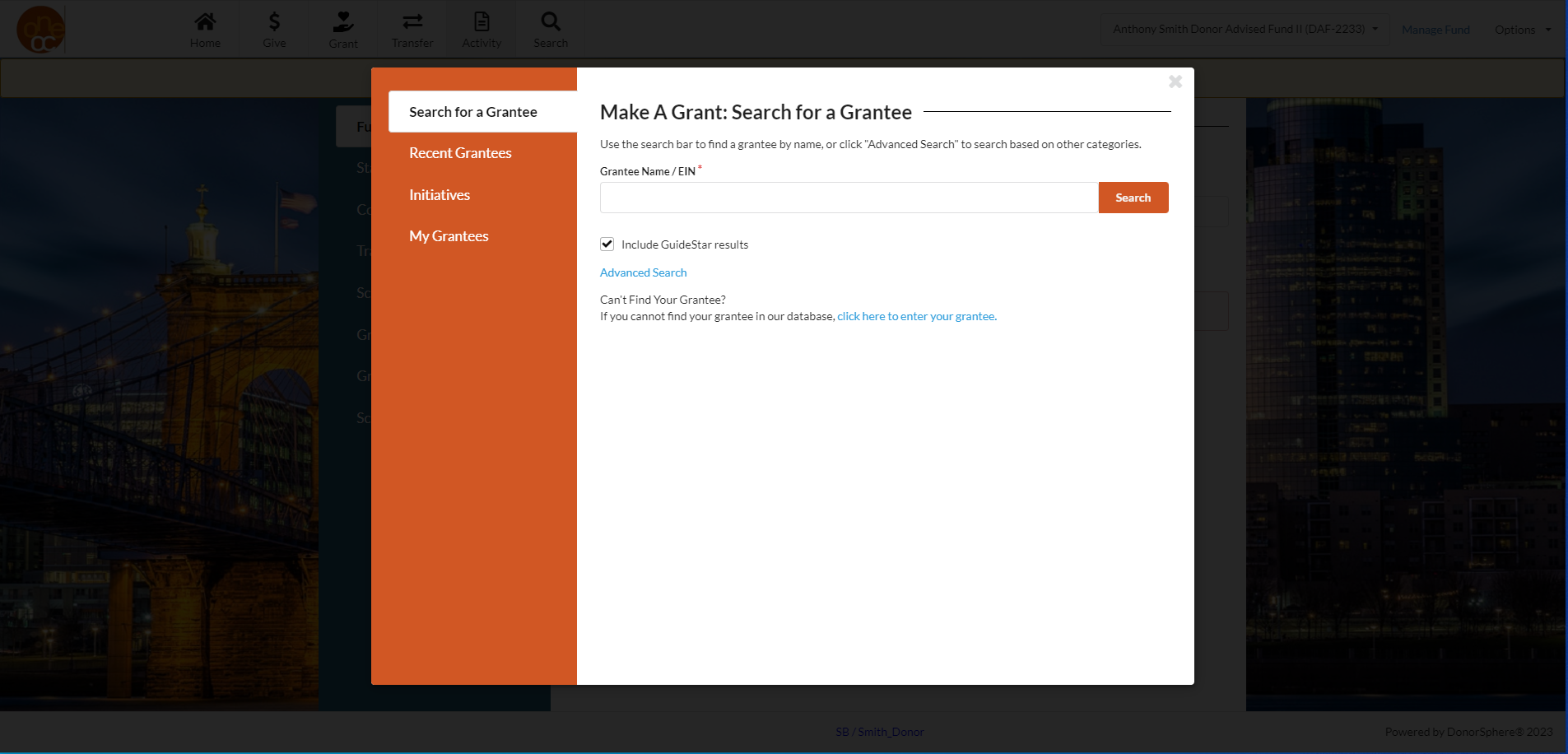
When you click the “Search” tab at the top of the page, it brings you to a page with four different sections, “Search for a Grantee,” “Recent Grantees,” “Initiatives,” and “My Grantees.”

When you click the “Search” tab at the top of the page, it brings you to a page with four different sections, “Search for a Grantee,” “Recent Grantees,” “Initiatives,” and “My Grantees.”