Processing a Disbursement Request
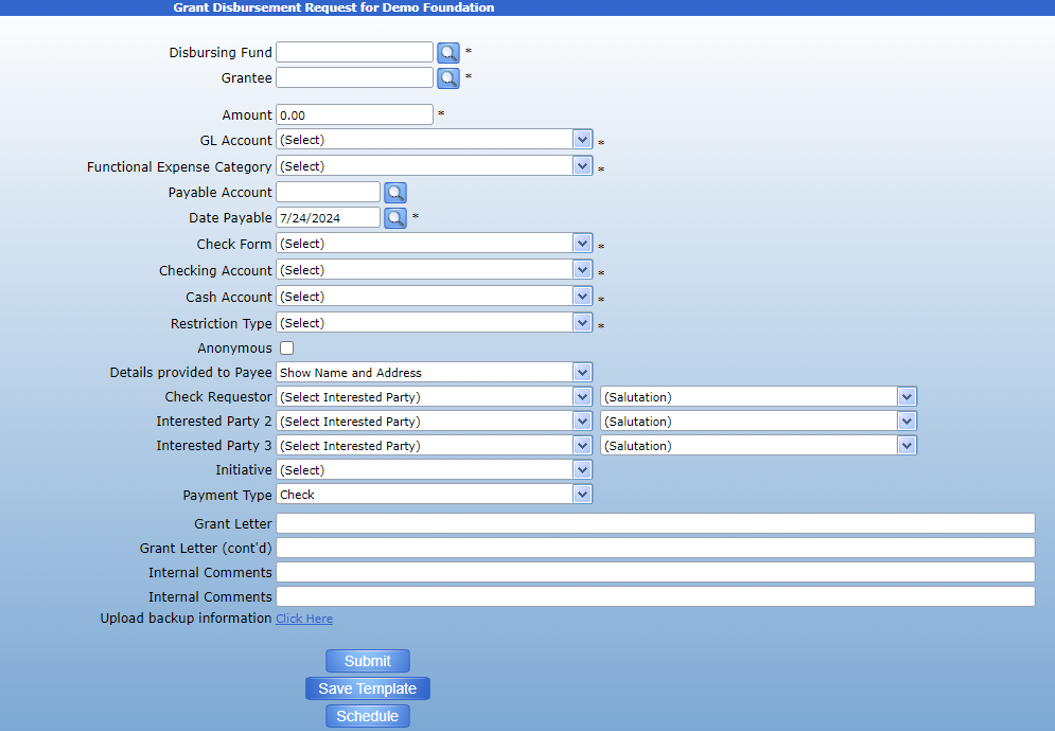
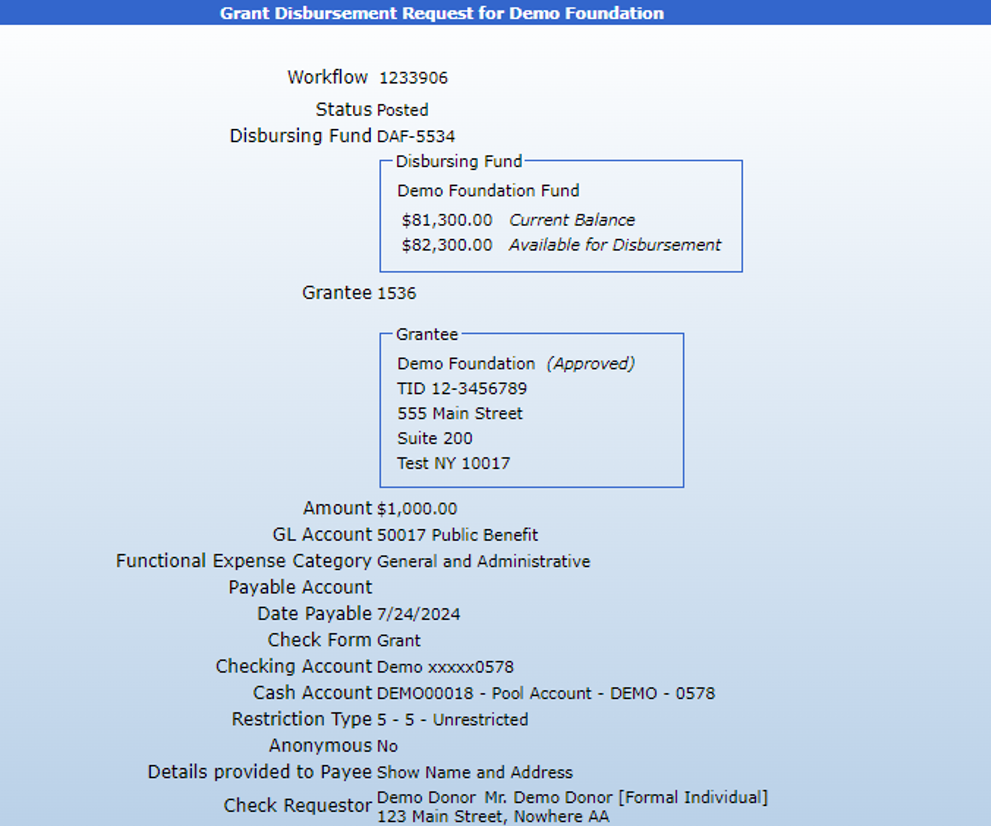
The disbursement request form is used to distribute money from a fund to a grantee. A disbursement request can either be made by a donor from DonorSphere or entered through the transaction form on FoundationHub at the donor’s request.
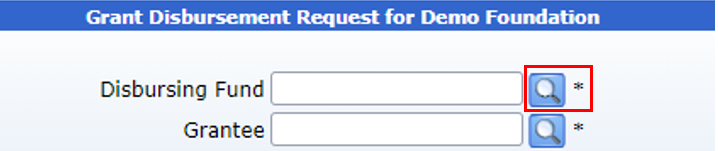
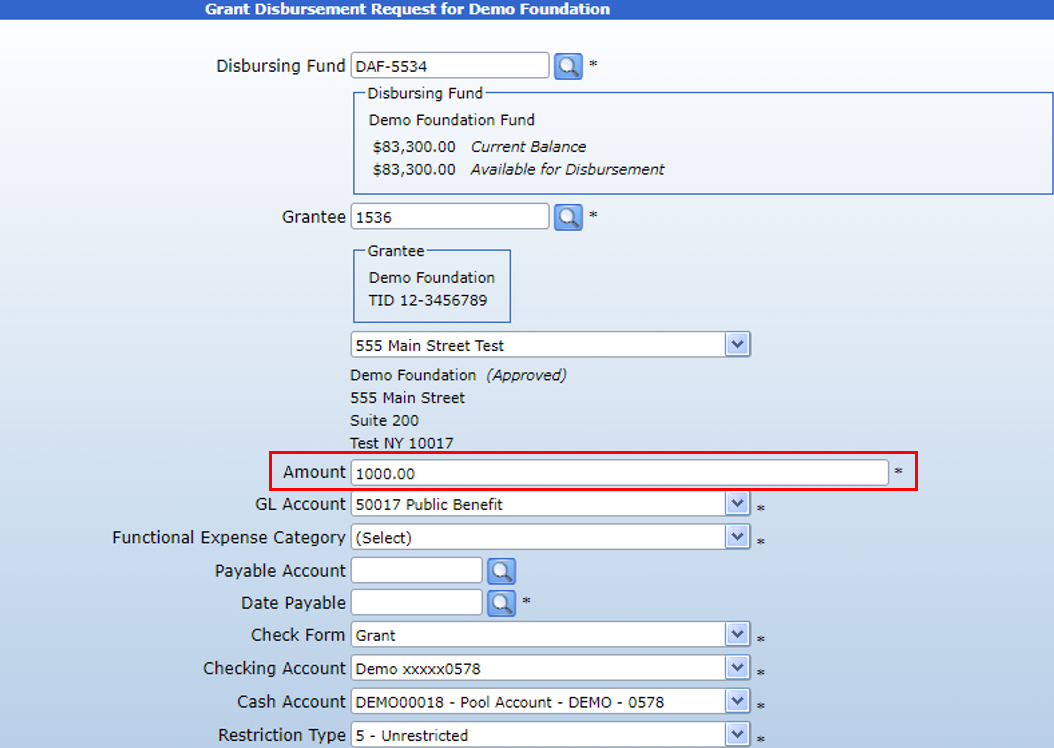
To enter the transaction on FoundationHub, first use the fund search to attach the fund that will make the disbursement.
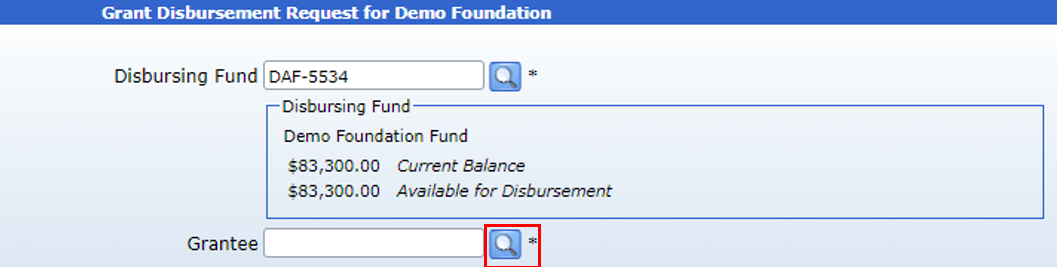
Then, use the Grantee search to attach the recipient.
The GL Account, Functional Expense Category, Check Form, Checking Account, Cash Account, and Restriction type fields will all populate once the Disbursing fund and Grantee have been entered based upon their established preferences but can be changed as necessary.
Enter the desired disbursement amount using the Amount field.
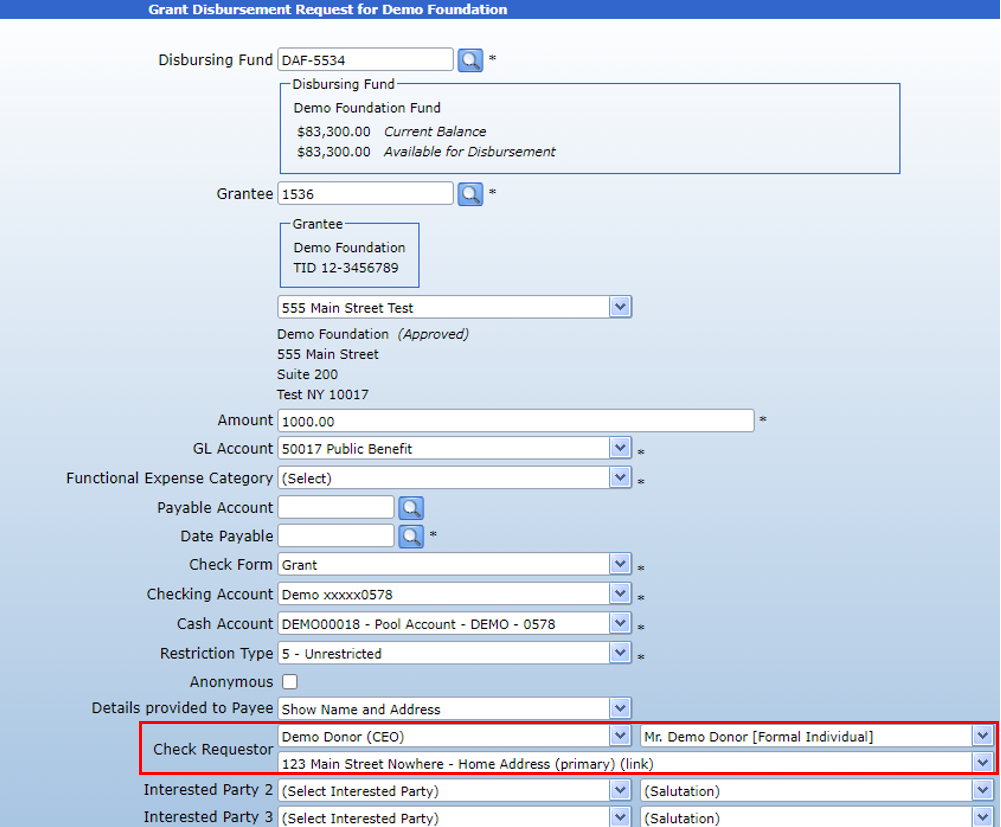
Then, use the Check Requestor dropdown to attach the donor who requested the disbursement. The dropdown will only show IPs who are linked to the Disbursing Fund. The salutation field can be changed once a Check Requestor is selected.
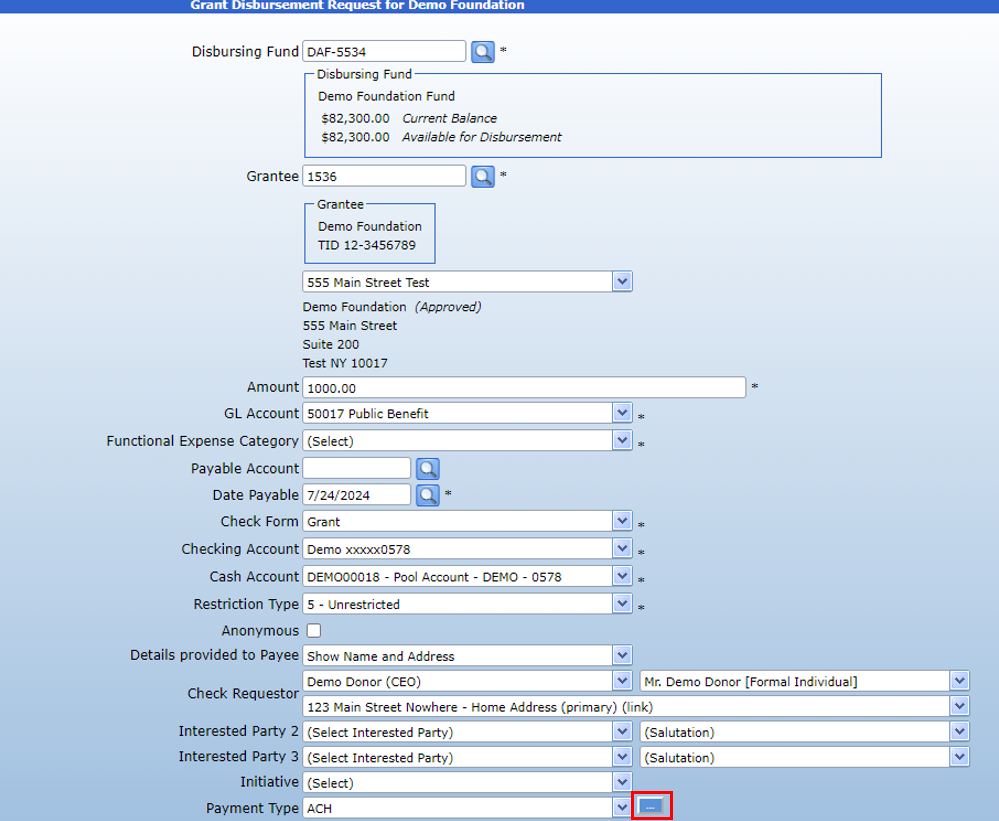
Select the payment type using the dropdown. It will default to the Grantee’s preferred payment type but can be changed if necessary. If using ACH, use the 3 dots to select the desired bank account.
Click submit to forward the transaction for approval. Once it has been fully approved, the payment can be given using the Payment Processing form. See the guide here [hyperlink].