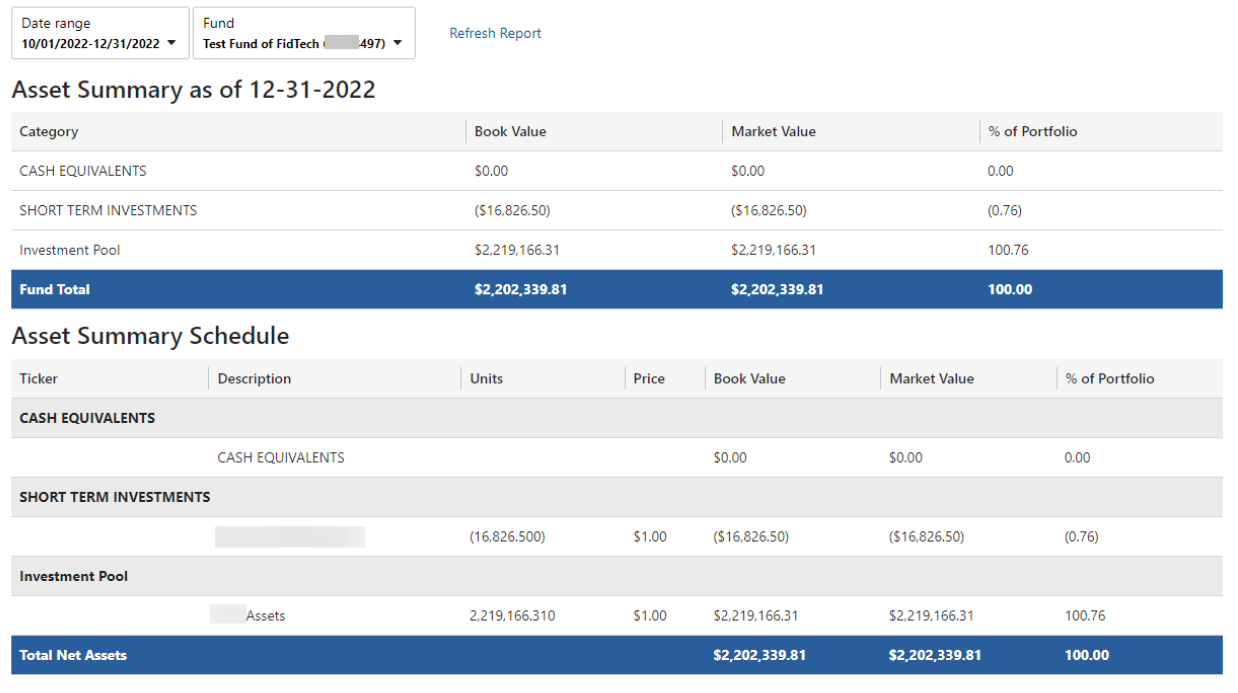
Fund Summary and Fund Detail Report
Fund Summary
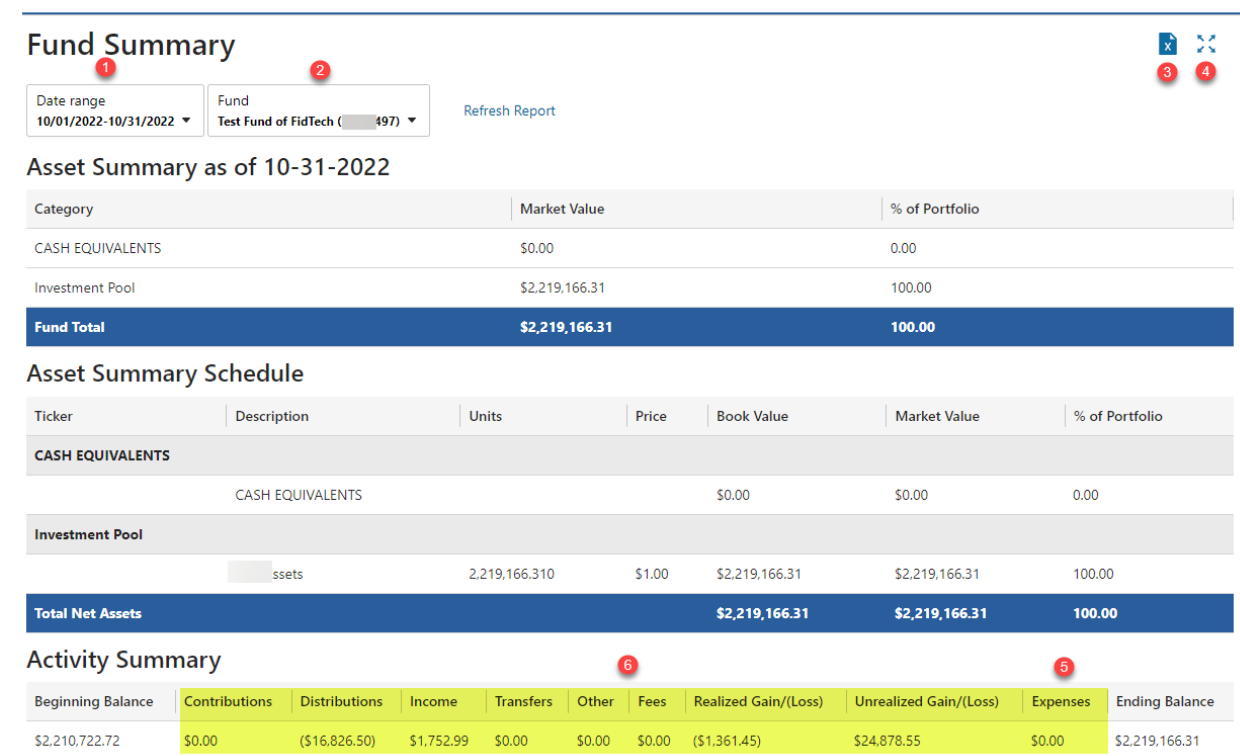
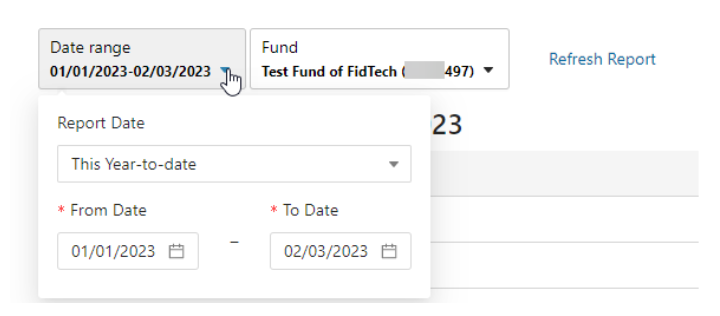
1. Date filtering options are shown by clicking on the down arrow.
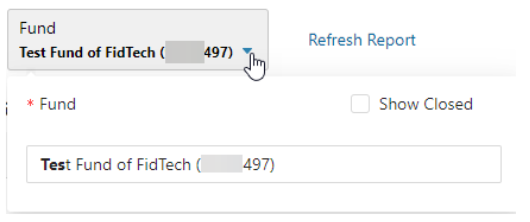
2. Fund dropdown will now include the full Fund Name.
3. The report can be downloaded to Excel by clicking on the icon below. The Excel download will include all fields on the report.

4. Full screen option is available to maximize the viewing area of the report by clicking on the icon below.

Fund Detail
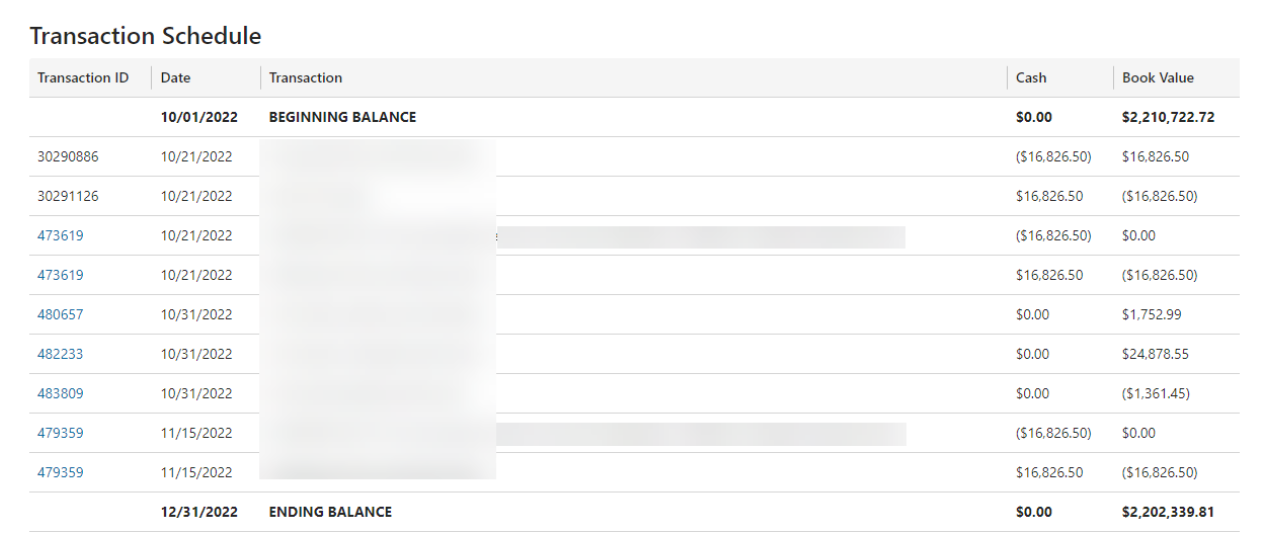
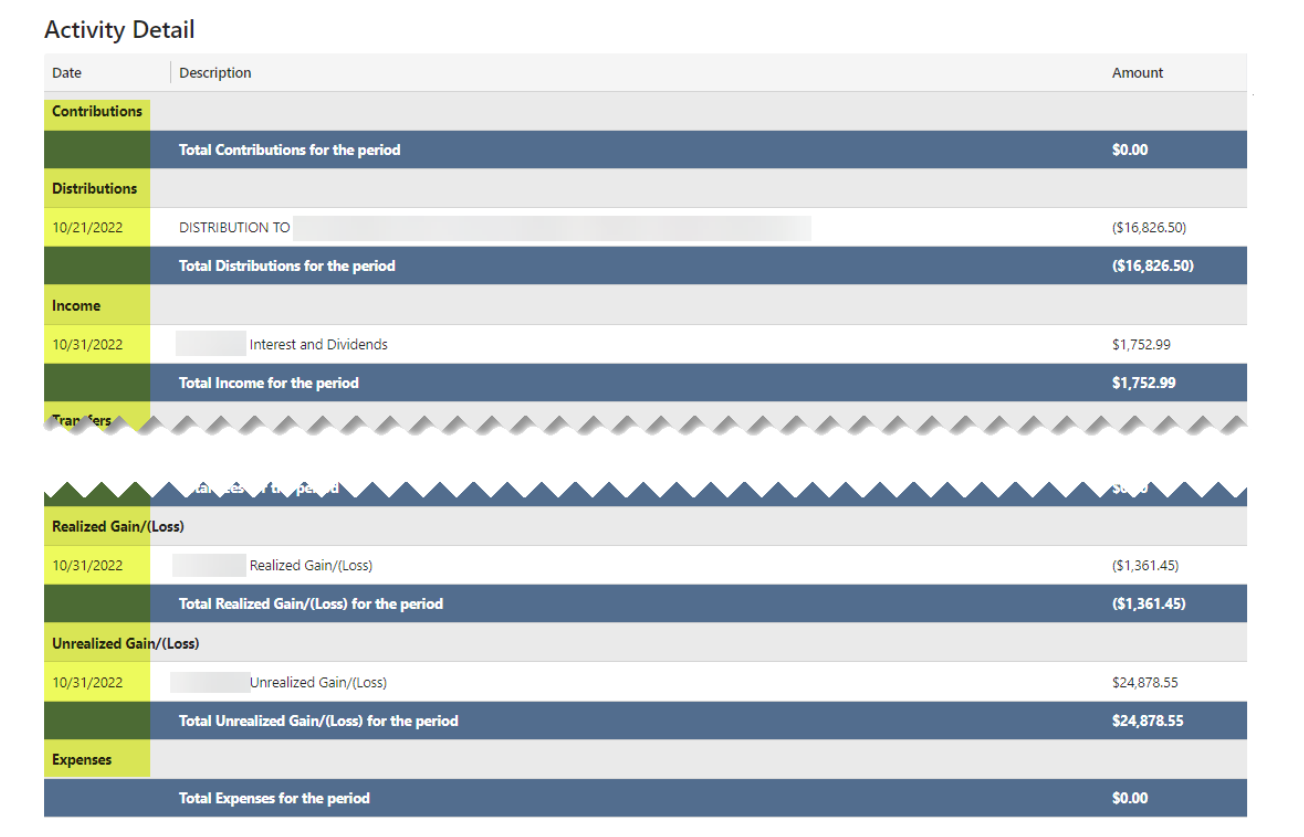
Similar to the Fund Summary, the Fund Detail Report includes the following items:
1. Date filtering options are shown by clicking on the down arrow.
2. Fund dropdown will now include the full Fund Name.
3. The report can be downloaded to Excel by clicking on the icon below. The Excel download will include all fields on the report.
4. Full screen option is available to maximize the viewing area of the report by clicking on the icon below.
The Fund Detail report will limit the “Transaction Schedule” section to 500 transactions when displaying details on the screen.
If you need to see more transactions in the same query, there is an option to download to excel that will include all transactions in the query.
If you have reached the limit on the screen, you will see the following message:

Example screen