

Initiatives
- 26 Jun 2023
- 1 Minute to read
- Print
- DarkLight
Initiatives
- Updated on 26 Jun 2023
- 1 Minute to read
- Print
- DarkLight
Article summary
Did you find this summary helpful?
Thank you for your feedback!
Initiatives
Initiatives refer to current events happening within your charity and are incentives for donors to donate to specific funds within the foundation.
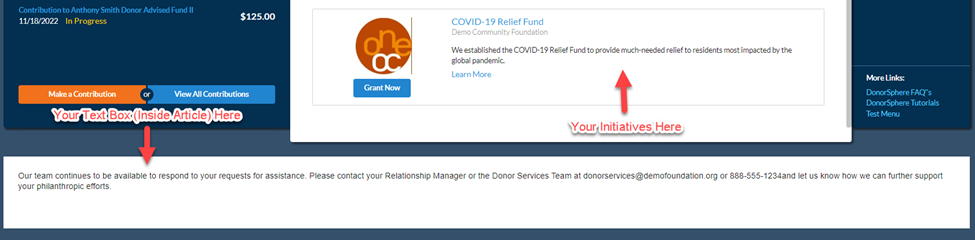
Following login, you will see 3 of your initiatives displayed on the home page. If you have more than 3 initiatives, they will rotate throughout the front page each time you log in.
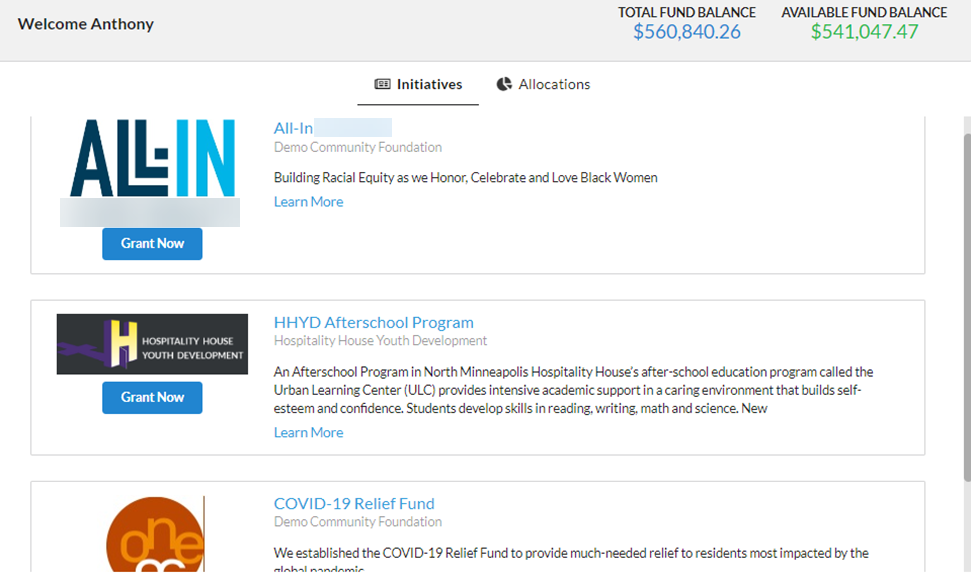
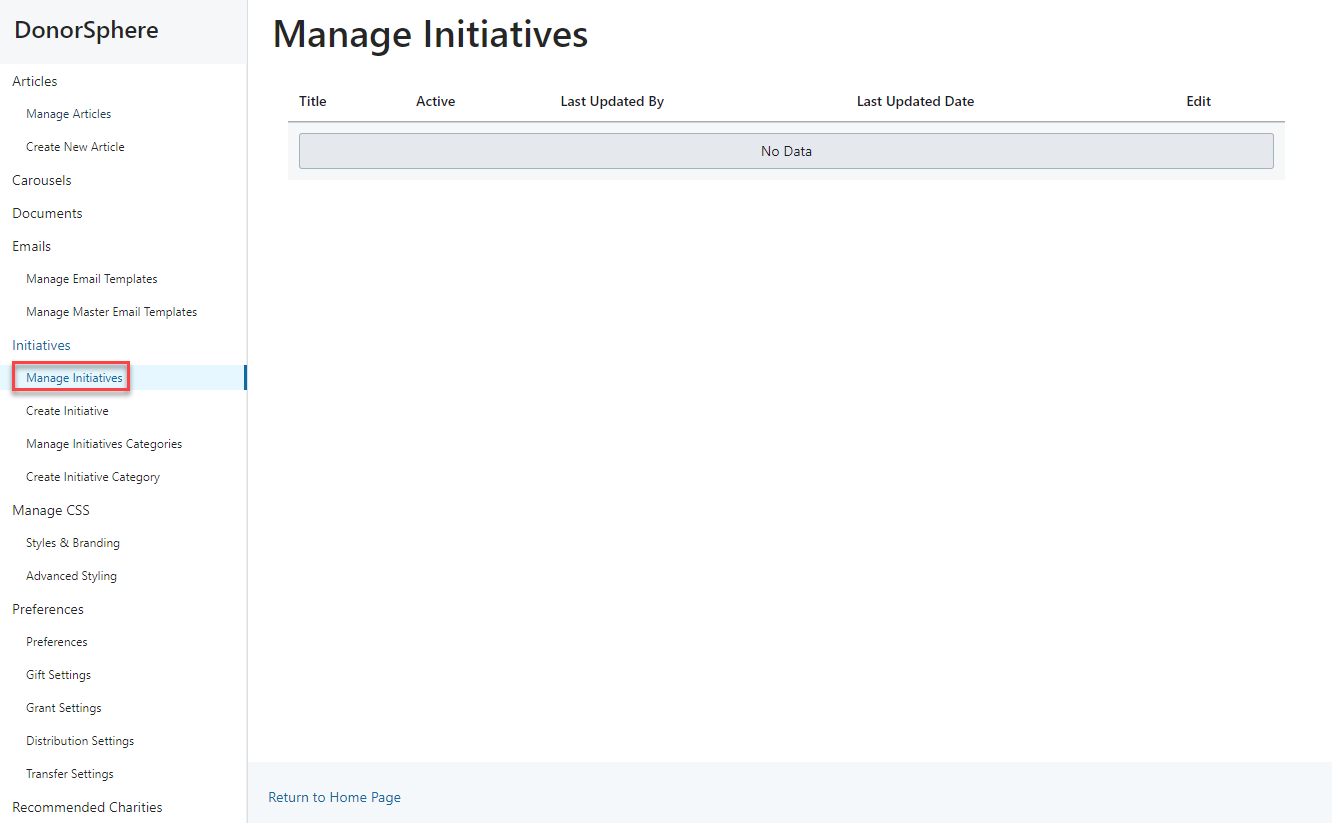
To view all current initiatives, go to "Manage Initiatives". If you have previously created Initiatives, you will be able to view and edit their information.
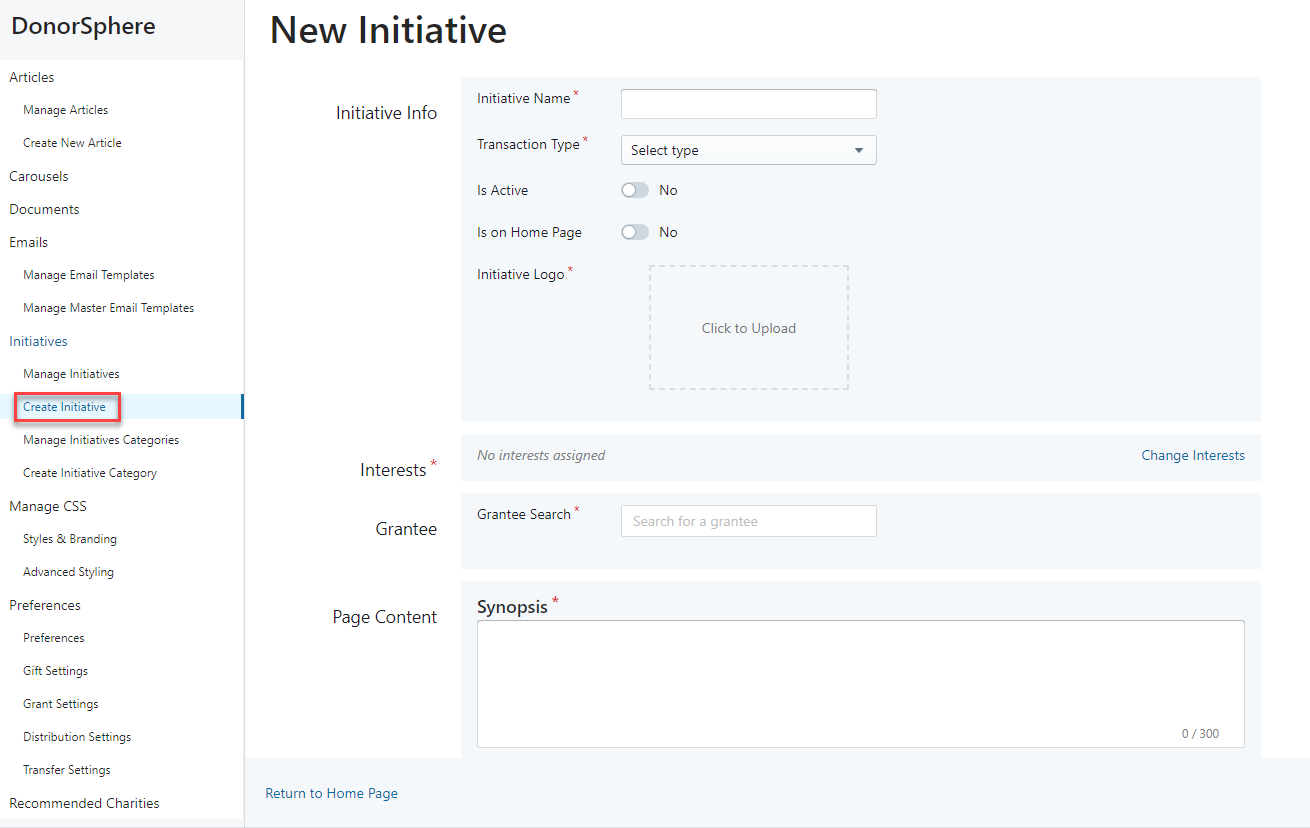
To create a new Initiative, go to "Create Initiative". Fill in all required fields, including "Interests", so that the platform can display the most relevant initiatives to your donors.
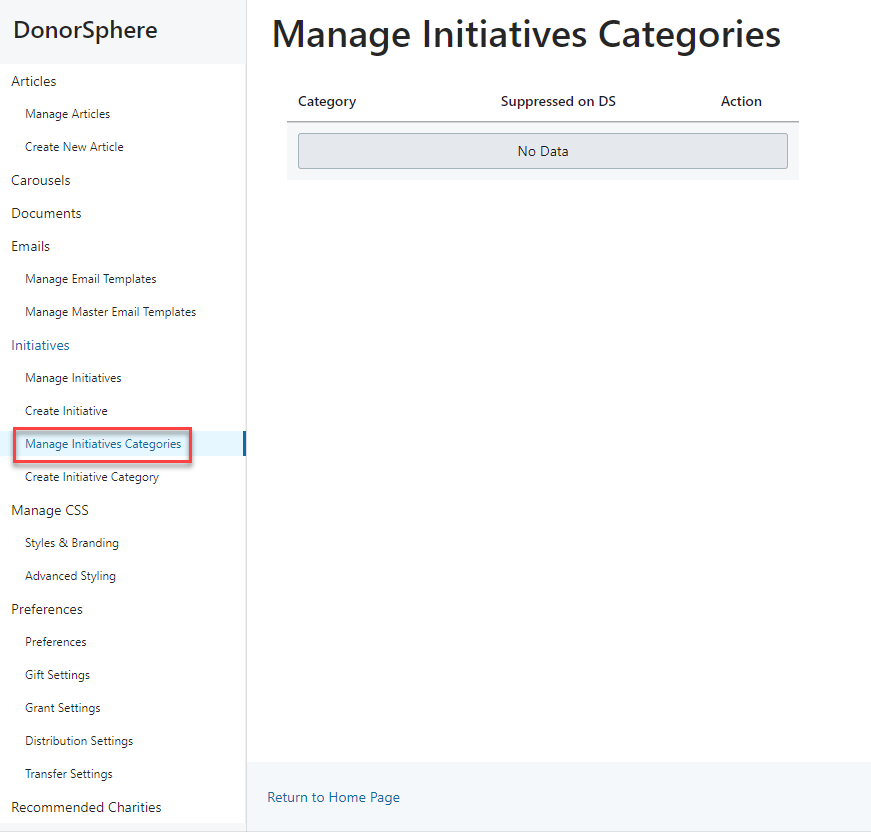
To manage categories for existing initiatives, go to "Manage Initiatives Categories". Initiative categories are comprised of smaller subcategories (i.e. Geographic Location -> Your County, Your Nearby Counties) and can be attached to Initiatives through the "Interests" field when creating or managing existing initiatives.
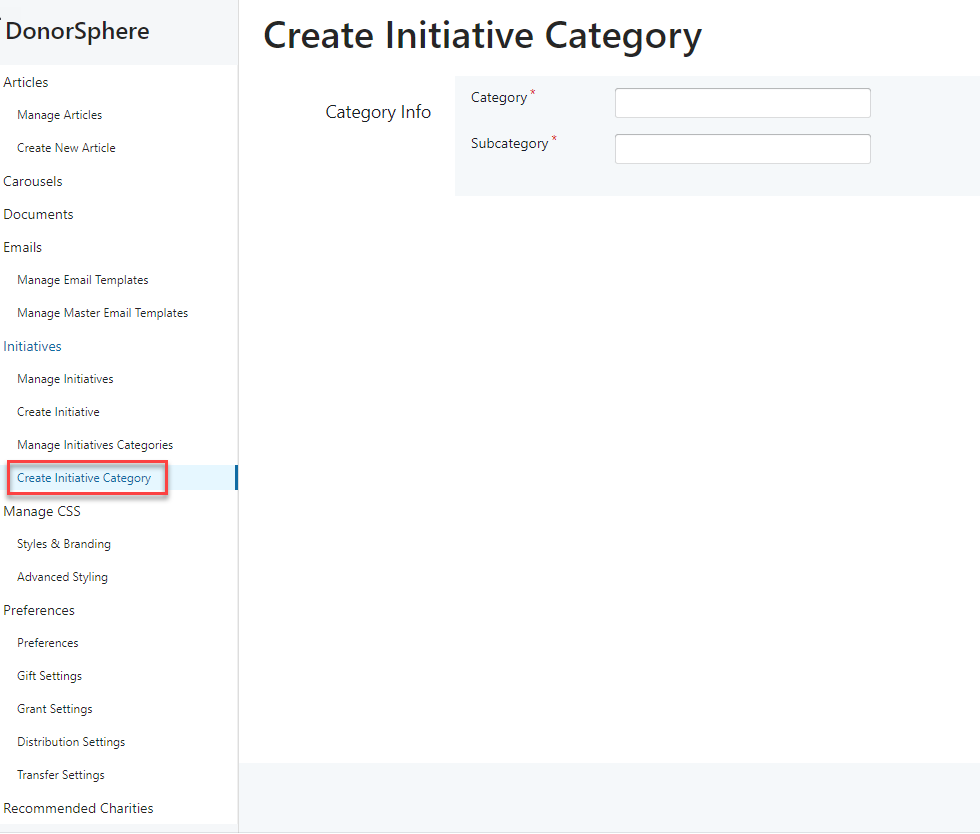
To create a new category, go to "Create Initiative Category."
If you do not have any initiatives, this inside article text will appear above. If you do have initiatives, this text will appear below the displayed initiatives in this box.
Was this article helpful?