

How to Log into DonorSphere
- 22 Jun 2023
- 1 Minute to read
- Print
- DarkLight
How to Log into DonorSphere
- Updated on 22 Jun 2023
- 1 Minute to read
- Print
- DarkLight
Article summary
Did you find this summary helpful?
Thank you for your feedback!
How to Log into DonorSphere
Please use this guide to access DonorSphere, client's account portal that gives account signatories access to account information in real-time.
How to Log In
1.) The link will be your client designated URL as follows; https://(client).donorsphere.org/. Replace the (client) with your specific client letters.
2.) In the User Login box, enter your User ID (the default User ID is your email address). As a reminder, your password needs to include a capital letter, at least one number and be minimum of six (6) characters in length.
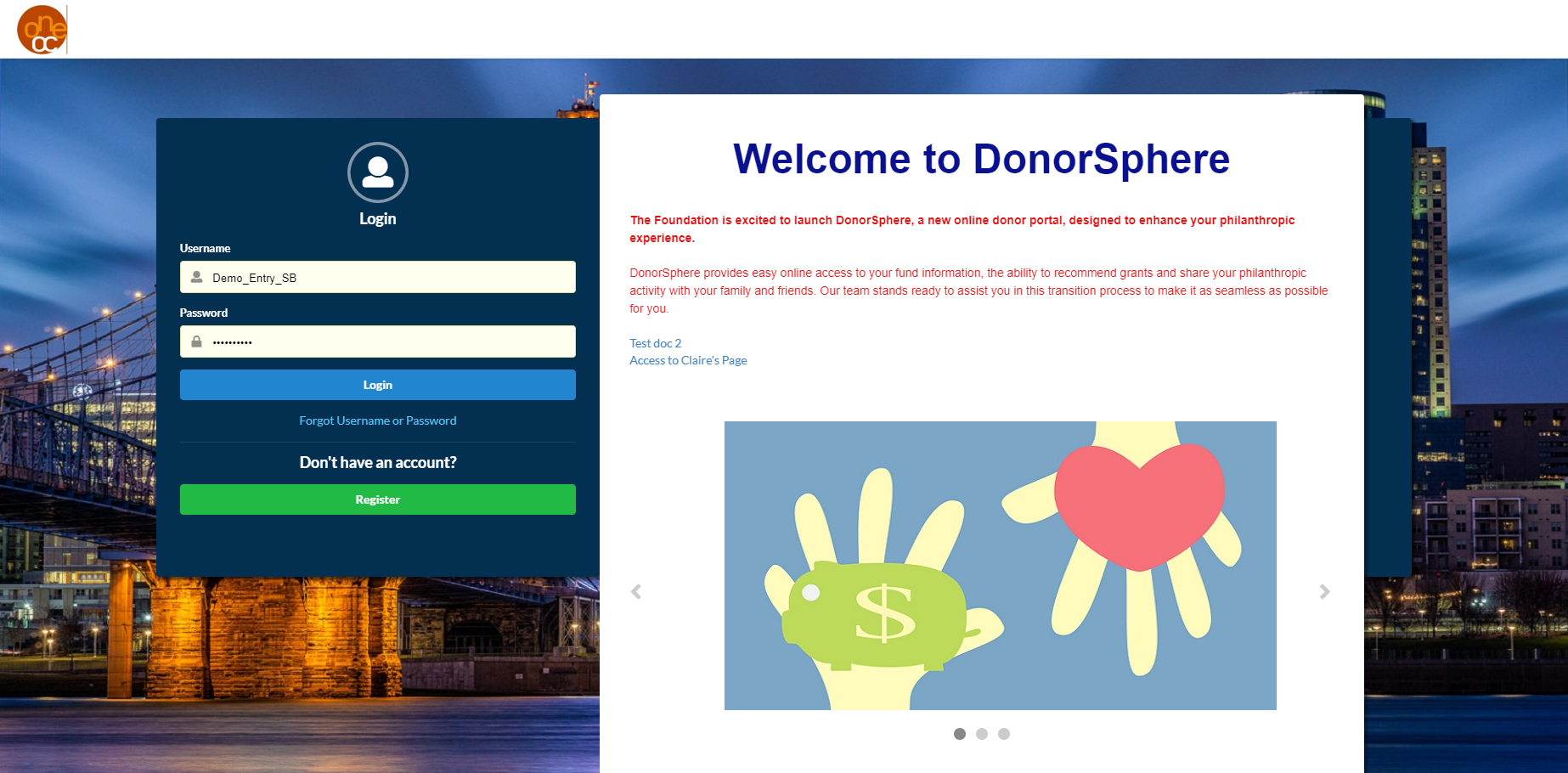
Photo of Log in screen in Demo Sandbox
3.) If this is the first time you are accessing the site, you will need to enter the temporary password you received via email. Be sure to check your “spam” or “junk” email folder!
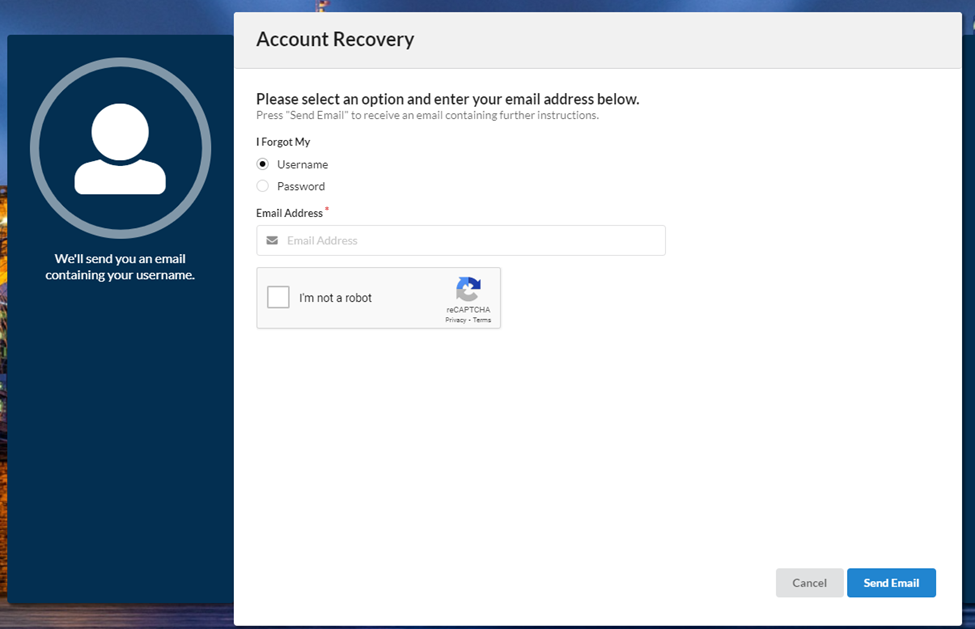
4.) If you forget your username or password, click the "Forgot Username or Password" link. The account recovery screen should appear as seen below. Select either "username" or "password" and enter your email address. If your email is registered in the system, you will receive an email containing final instructions to recover your account. If you do not receive an email, and believe this is in error, please reach out to your program administrator or FidTech representative for further assistance.
Was this article helpful?