

Editing a Bank Account
- 11 Feb 2025
- 1 Minute to read
- Print
- DarkLight
Editing a Bank Account
- Updated on 11 Feb 2025
- 1 Minute to read
- Print
- DarkLight
Article summary
Did you find this summary helpful?
Thank you for your feedback!
Bank Accounts
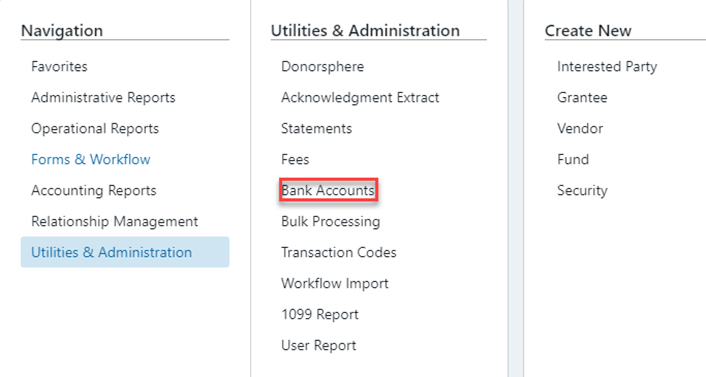
To Edit or Create a Bank Account go to Utilities & Administration > Bank Accounts:
Editing a Bank Account
To edit a Bank Account, click on the Bank Account you want to edit.
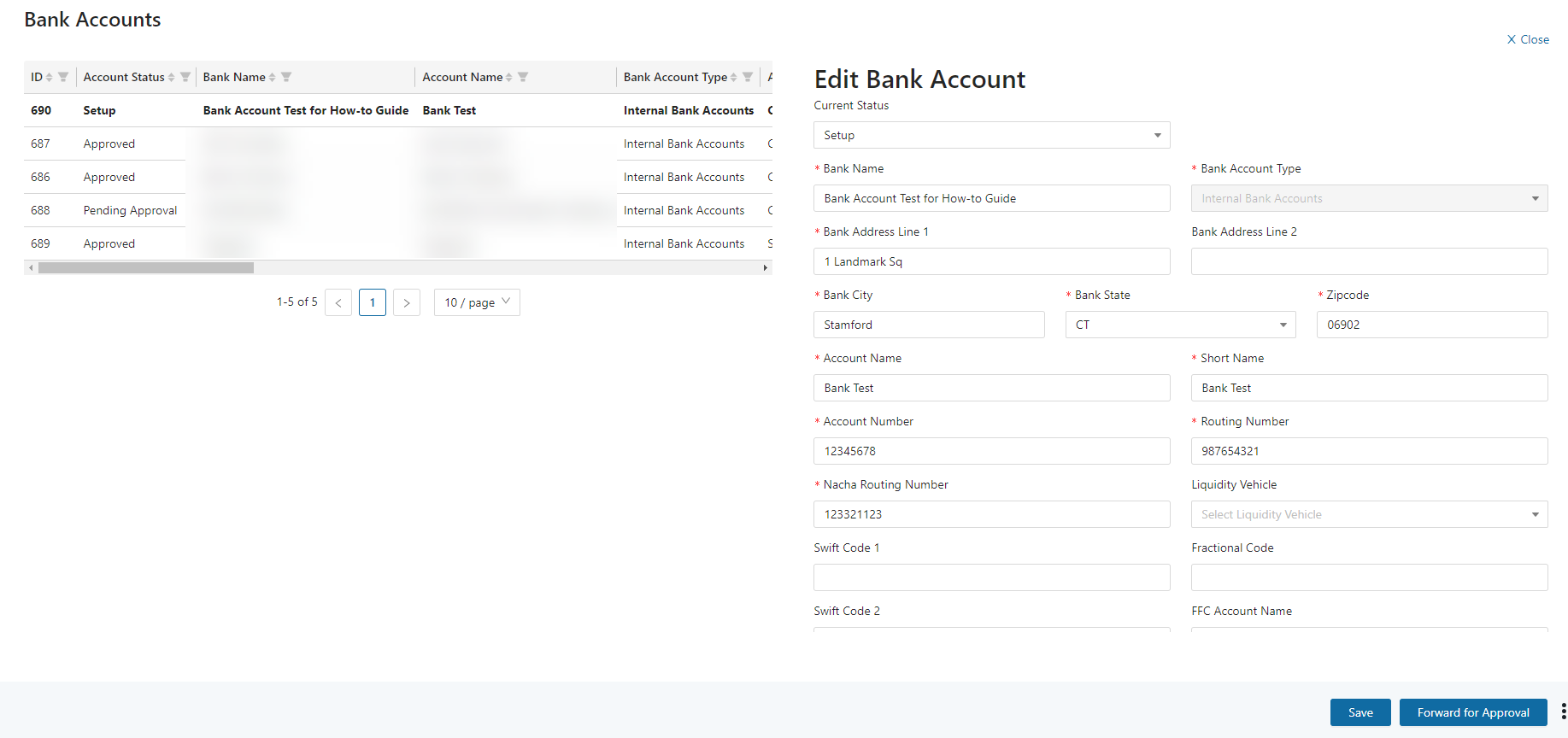
This will open the Bank Account form where all fields will be editable except for the Account Number and Bank Account Type. Here, you will also see buttons to make the bank account Active, ACH Eligible, etc.
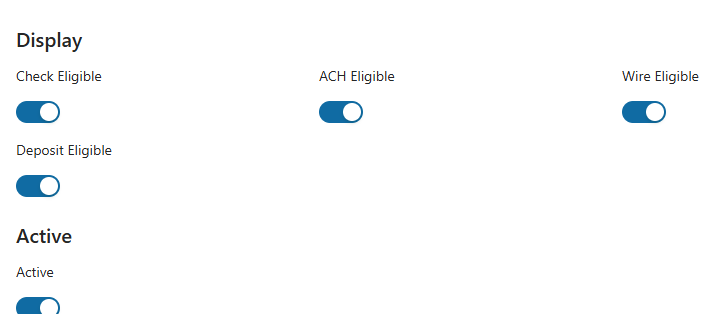
Make the required updates to the Bank Account and click the Save button then Forward for Approval. After following the necessary steps, the Bank Account needs to be Active and in an Approved status before it can be linked to other entities on FoundationHub.
Was this article helpful?