What is Datacube?
Datacube is a collection of tables on the server that store the data in FoundationHub. It helps you easily access this data in a table format.
These tables include information about:
Interested Parties
Grantees
Vendors
Funds and Securities
Transactions
Accessing Datacube with MS Excel
Datacube can be accessed using MS Excel.
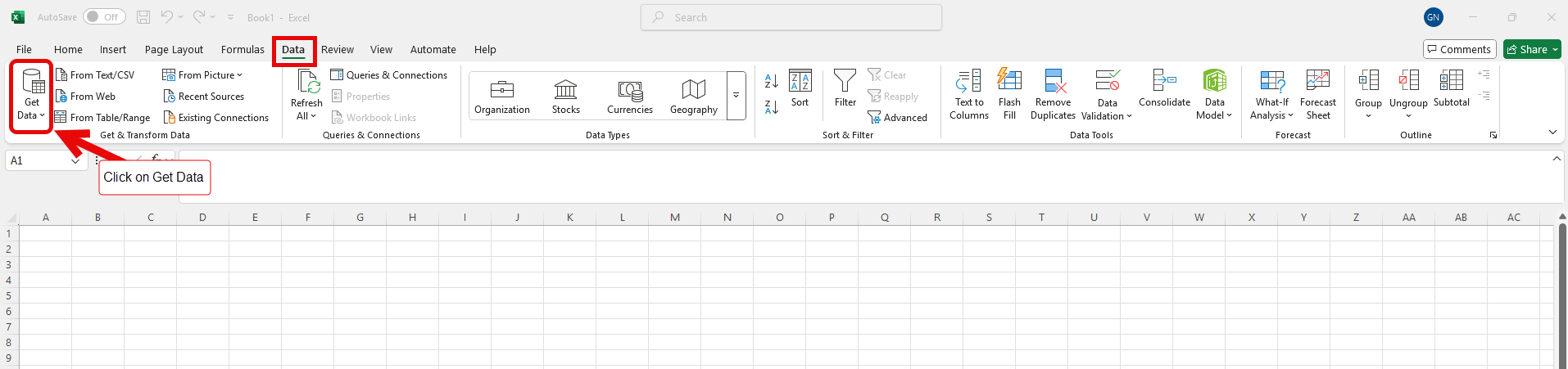
In Excel, from the Data Menu, click on “Get Data”.
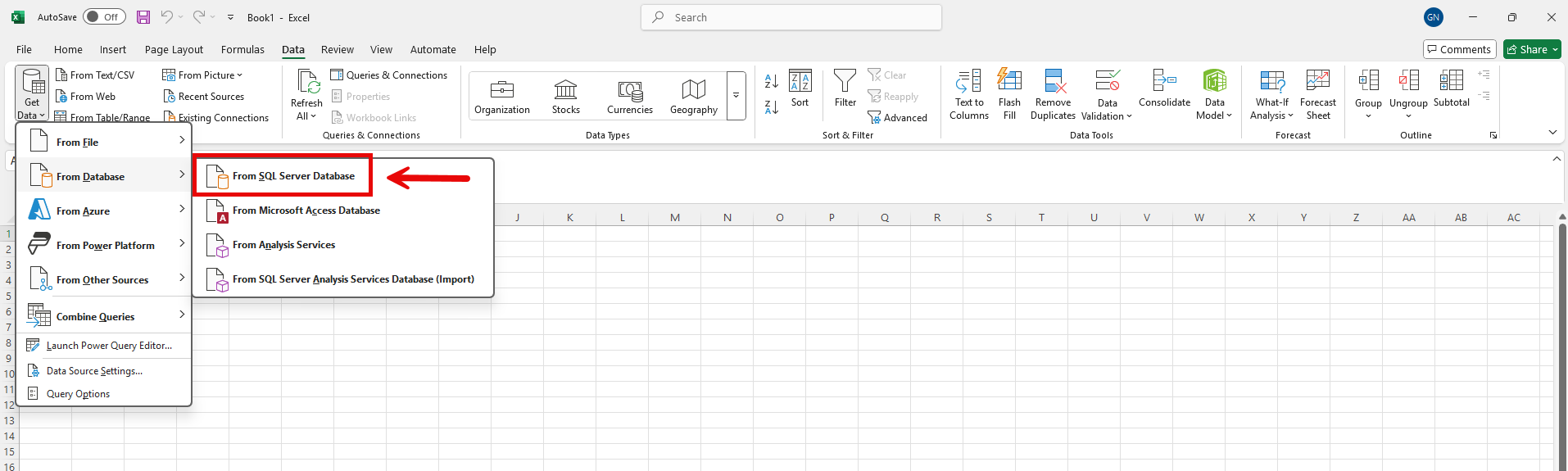
From the dropdown list, select “From SQL Server Database”.
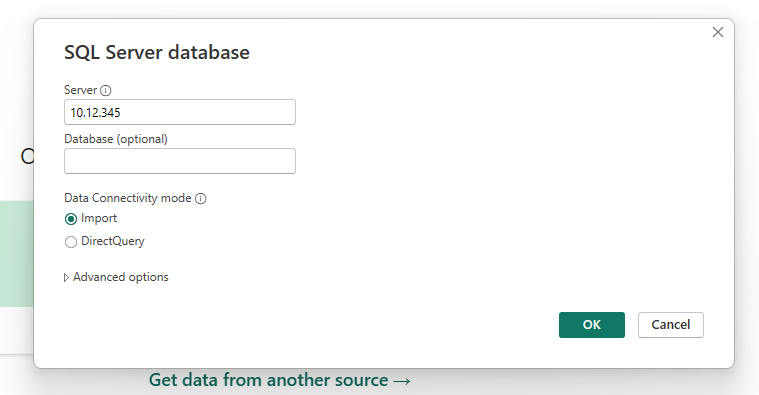
In the dialog box, enter your Institution’s server credentials and click OK. In the next dialog box, enter your Username and Password.
Please contact your Client Service Representative for help with this information.
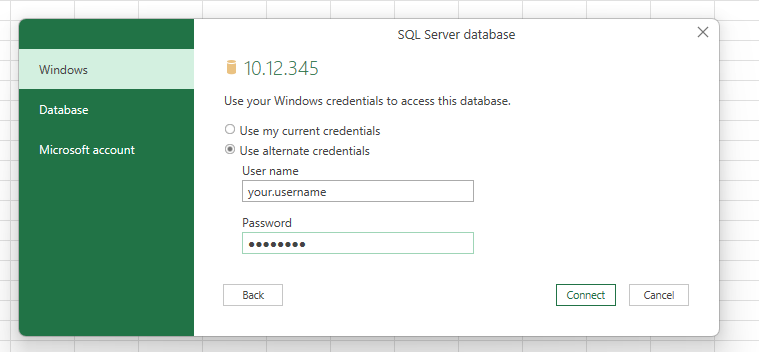
Now you can see a list of tables with your institution’s contacts and transactions information. From this list, select a table and click on “Load”.
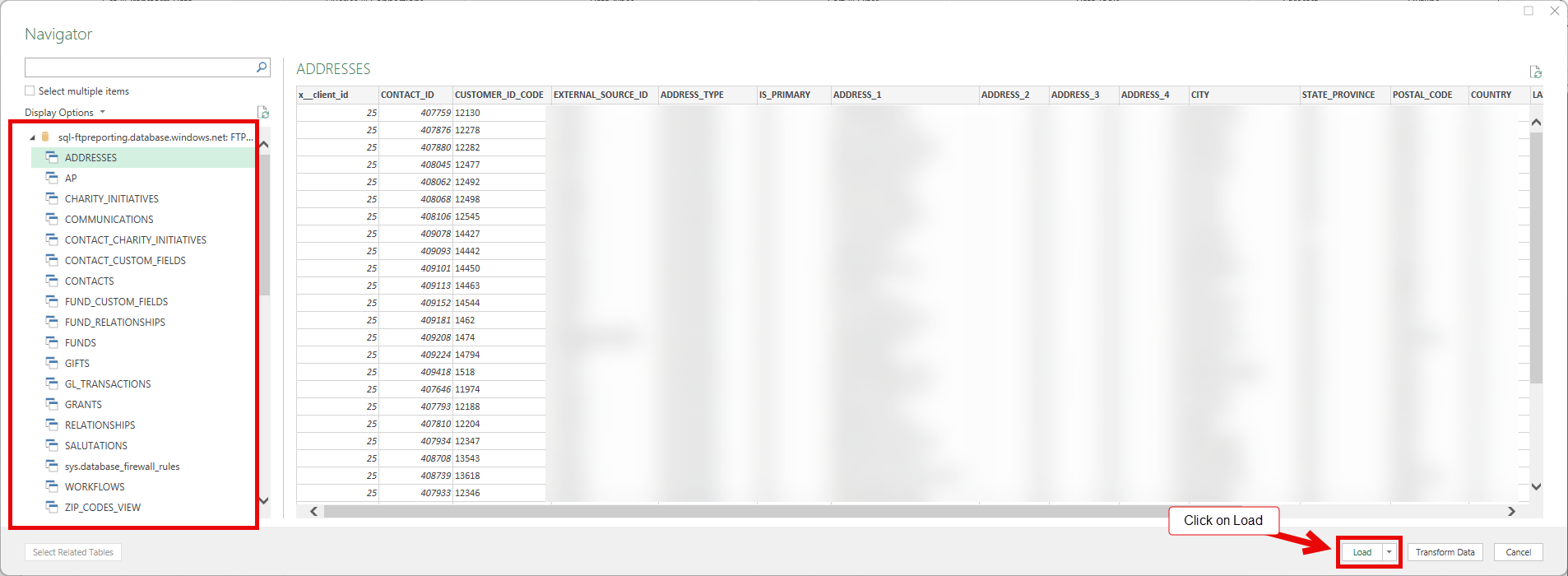
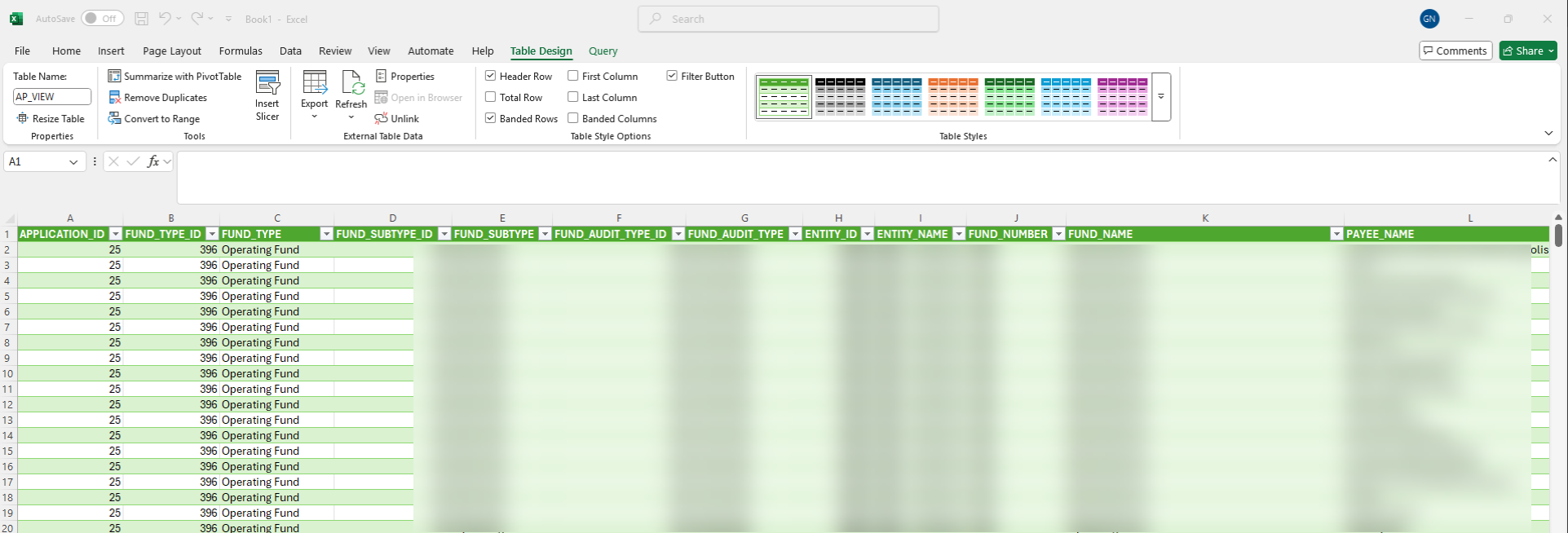
The data in the table can now be viewed. Click on this link to learn more about each table.
Linking Datacube Tables in MS Excel
The Datacube tables can be linked to create reports. In Excel, from the Data Menu, click on “Get Data”.
From the dropdown list, select “From SQL Server Database”.
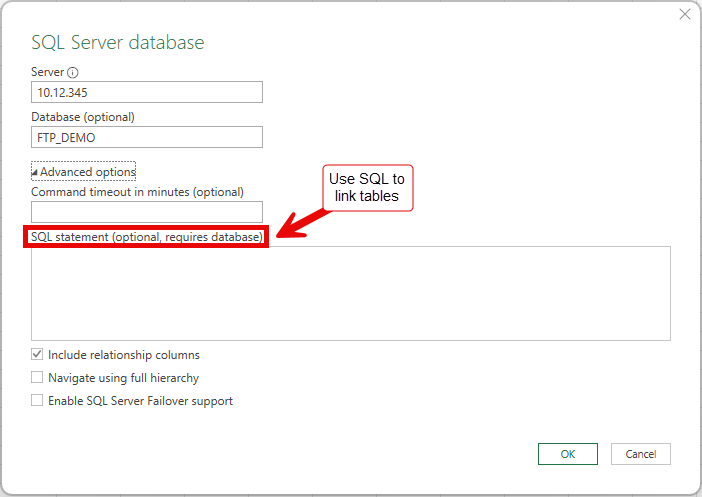
In the dialog box, enter your Institution’s server and database credentials. Please contact your Client Service Representative for help with this information.
Next, click on “Advanced options”. Using SQL statements, you can link the tables to create reports containing information which you request.