The datacube tables can be accessed using Power BI. In Power BI, you are able to view tables as well as create reports. The tables can be joined so that you can pull data from more than one table when creating reports.
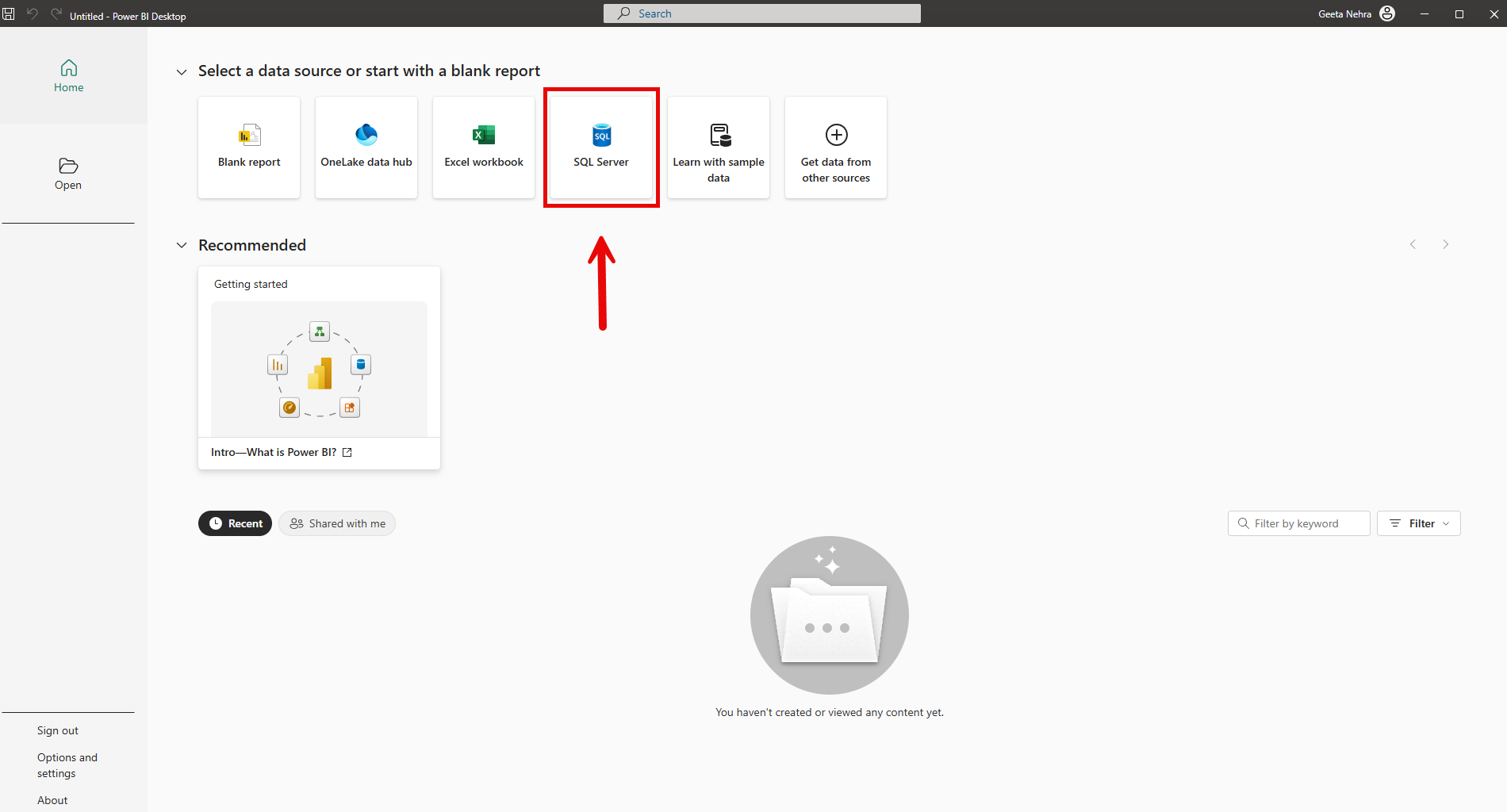
To access the datacube, first select SQL Server as a data source:
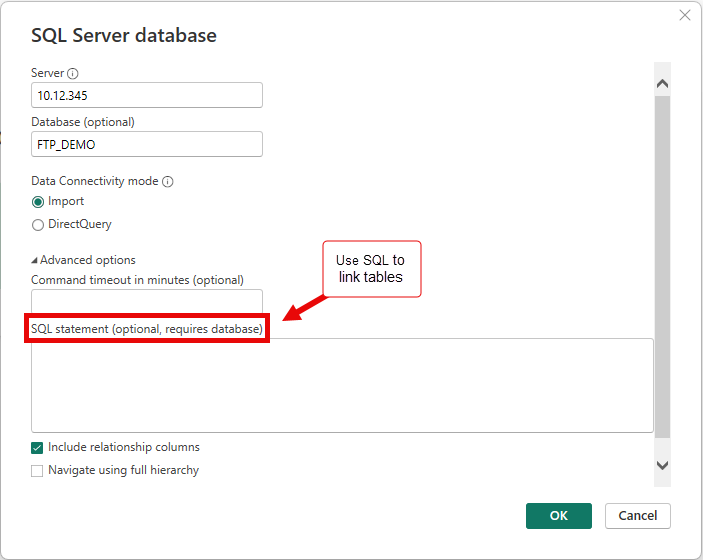
In the dialog box, enter your Institution’s server and database credentials. Please contact your Client Service Representative for help with this information. If you would like to link tables, click on “Advanced options”. Using SQL statements, you can link the tables to create reports containing information which you request.
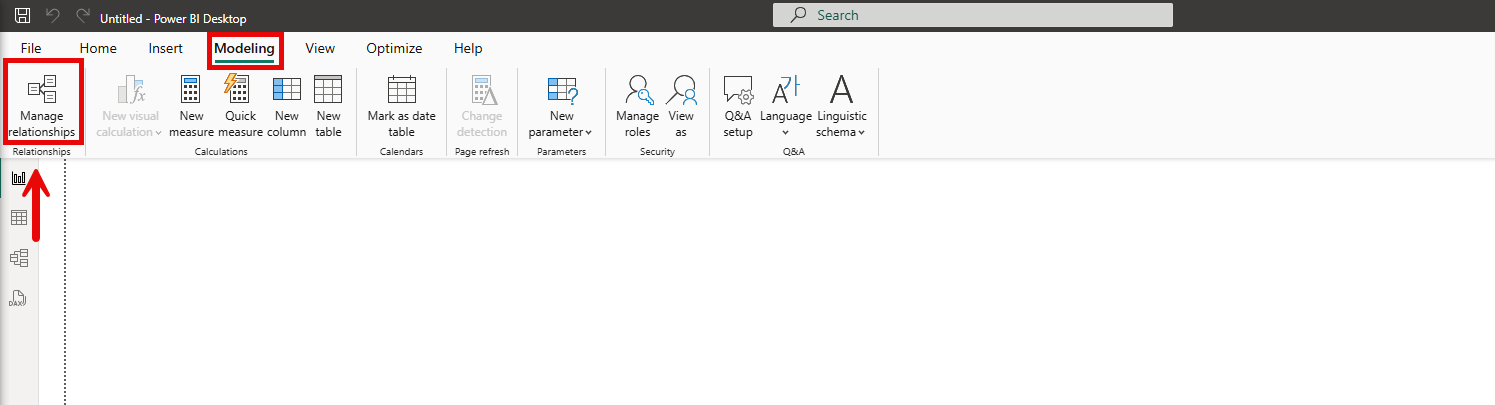
Instead of using SQL, another way to link tables is by first importing the tables you would like to use as described above, then in the Modeling menu click on “Manage Relationships”:
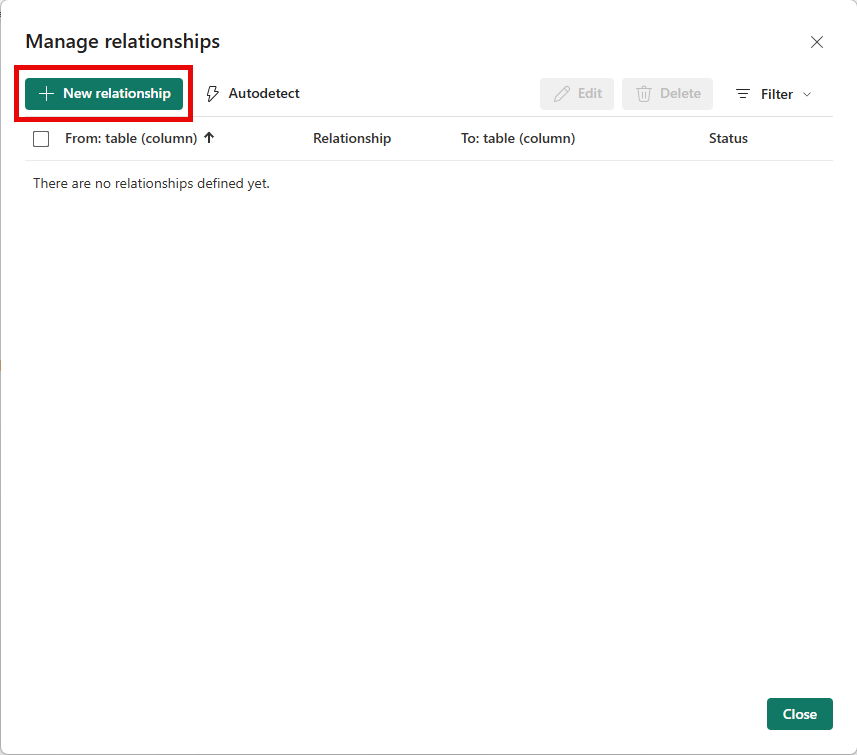
Next, Click on “New relationship”:
Select the “From table” and “To table” which you would like to create the relationship for, as well as the Cardinality and Cross-filter direction. Next, click on “Save”. The relationship between the tables is now created, and you can select fields from both tables to be included in your report.